5-15
Operating Instructions Operator Manual 10083002
5.9 Install Flat Panel
Monitor Yoke Handle
Disposable Sterile
Covers
Important: Use new covers on each handle for every procedure
where the monitor is used.
Covers are sterile and shipped in a protective wrapper. Wear sterile
gloves when removing covers from packaging. When installing
covers, follow sterility assurance procedures as outlined by facility
protocols.
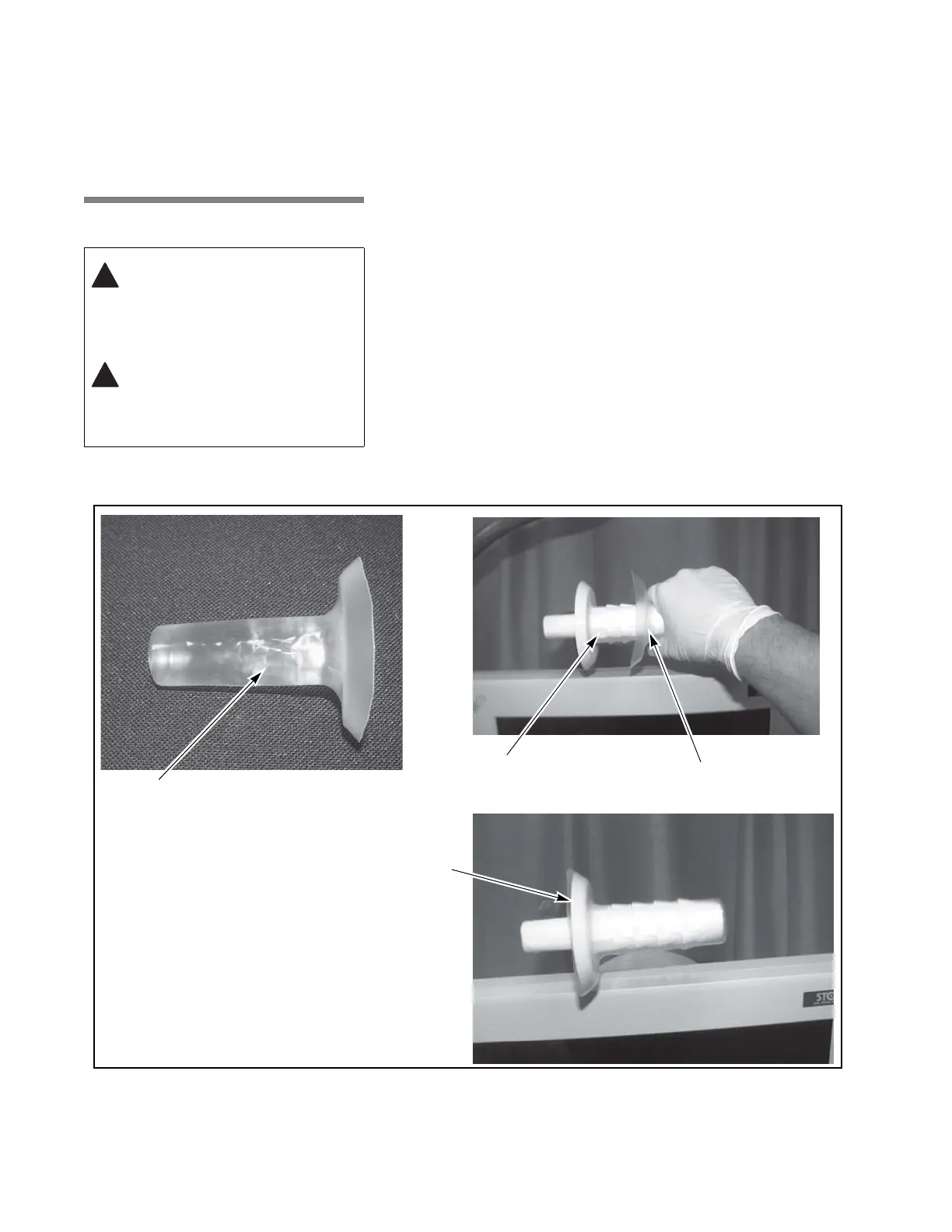
• Refer to Figure 5-12 for current production handles.
• Refer to Figure 5-13 for out-of-production handles.
Procedure:
1. Remove cover from packaging.
2. Pull the cover until it fully covers the handle.
NOTE: Step 3 applies only to out-of-production handles.
3. Refer to Figure 5-13. Pull closure tie until tight enough to prevent
cover from slipping down the handle.
4. Repeat procedure for second handle(s).
WARNING – BIOHAZARD:
Sterile disposable covers are
intended for single use only.
WARNING – STERILITY
ASSURANCE HAZARD: Do
not use disposable handle
covers if its packaging has
been damaged, torn or
opened; as the sterility of the
cover may be compromised.
Figure 5-12. Installing Disposable Sterile Monitor Handle Covers (Current Production Handles)
Monitor Positioning
Guide Disposable Cover Over
Handle (Contoured Style)
Handle Until Handle is Fully
Disposable Sterile Cover
Covered
Guide Disposable Cover Over
Handle Until Handle is Fully
Covered











 To Next Page