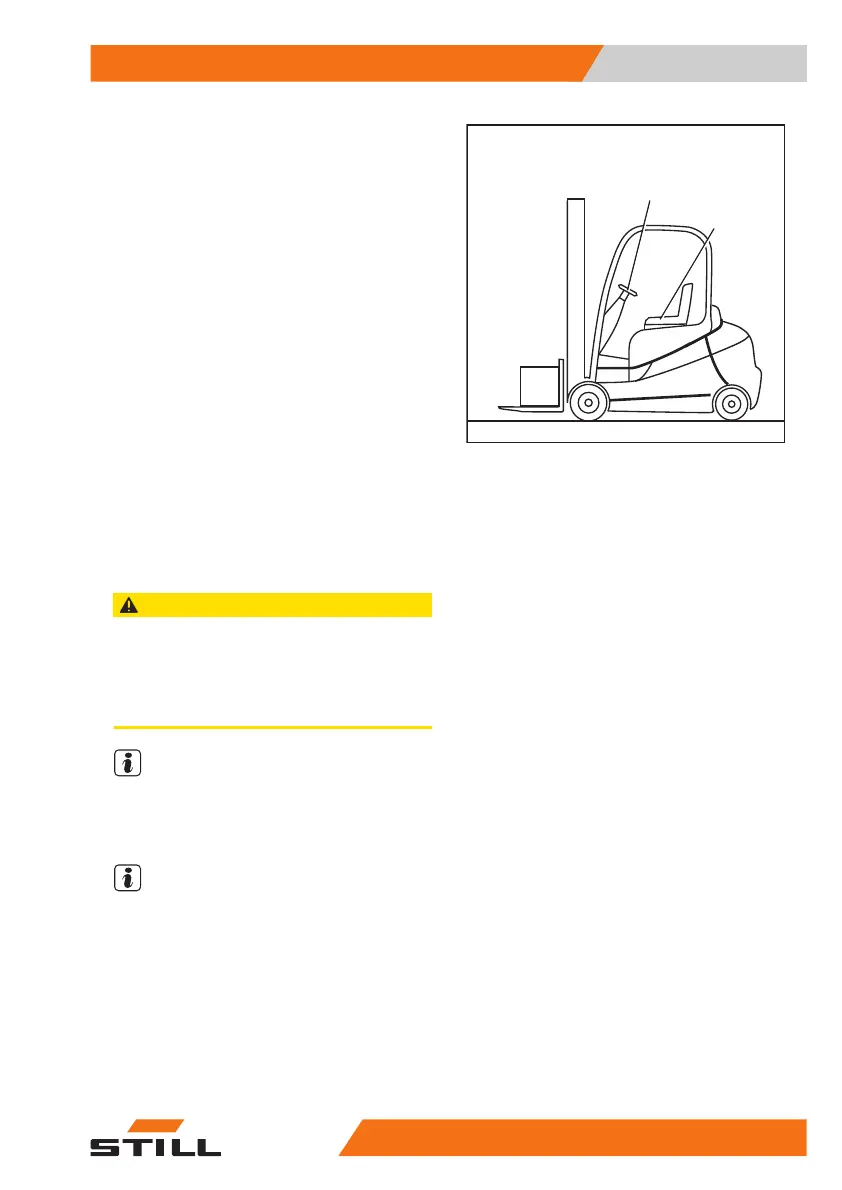
– Adjust the seat (2); see the section on "Ad-
justing the MSG 65/MSG 75 driver's seat".
– Adjust the steering column (1); see the sec-
tion on "Adjusting the steering column".
Installing and removing the bottom
plate
Removing the bottom plate
CAUTION
Risk of short circuit if cables are damaged!
– Check the connection cables for damage.
– When removing and reinstalling the bottom plate,
make sure that the connecting cables are not
damaged.
NOTE
The bottom plate has a recess into which the
operator can insert their fingers in order to lift
it. The recess is beneath the rubber mat.
NOTE
The accelerator pedal is attached to the bot-
tom plate and is removed with the bottom
plate. The connecting plug for the accelerator
is located underneath the bottom plate.
– Open the bonnet.
– Remove the rubber mat.
– Grasp the recess in the bottom plate (1).
– Raise the bottom plate slightly.
7311_120-001
1
2
Maintenance
5
Providing access to maintenance points
32557348011850 EN - 08/2020 - 12



 To Next Page