Installation and commissioning
Instructions for use • AIDA C WD310 • AAB272_EN_V2.0_12-2021_IFU_CE-MDR 26
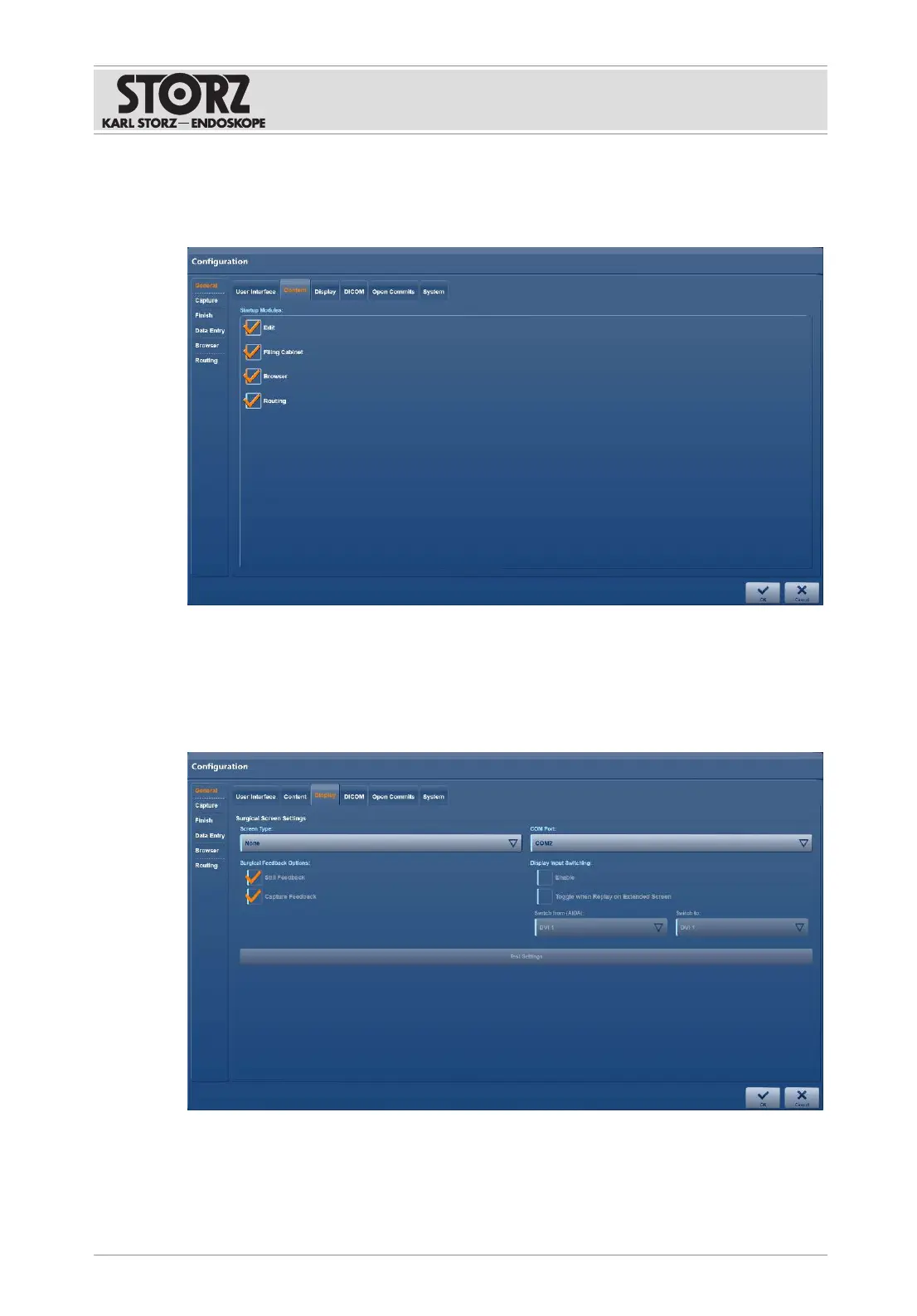
6.1.2.2 Content
The
Content
tab is used to set up the system's range of functions.
1. Tap the
Content
tab.
2. Enable or disable the required modules.
6.1.2.3 Display
The
Display
tab is used to make the settings for the operation monitor.
1. Tap the
Display
tab.
2. Select the
Screen Type
.
3. Select the
COM Port
.
4. Check the required checkboxes.













 To Next Page