Installation and commissioning
Instructions for use • AIDA C WD310 • AAB272_EN_V2.0_12-2021_IFU_CE-MDR 27
5. To switch to a different screen, select a connection, e.g.,
DVI1
.
6. Test the settings if necessary.
7. Press
OK
to confirm.
8. Restart the computer to enable the settings.
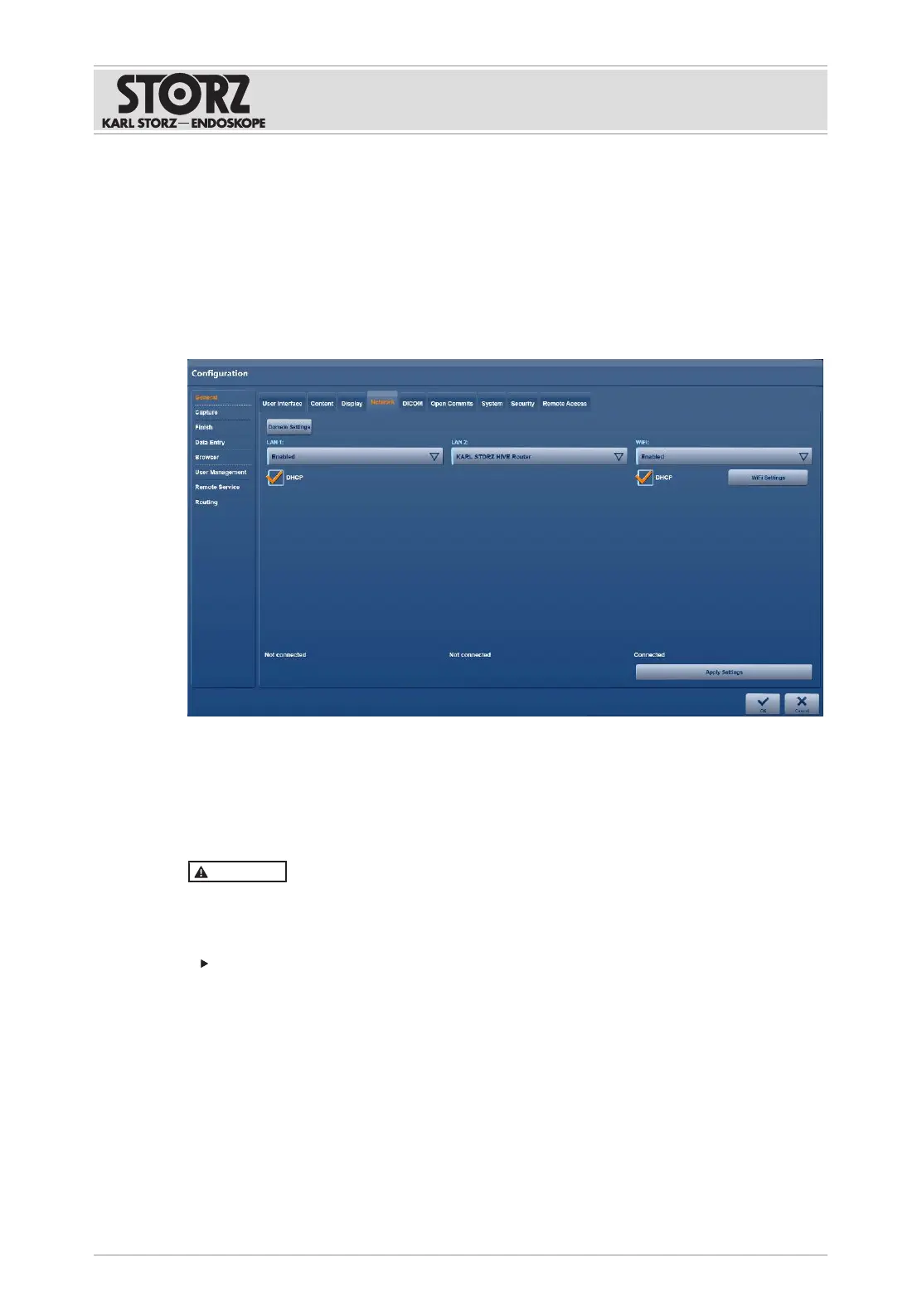
6.1.2.4 Network
The settings for the local and wireless network are made on the
Network
tab.
1. Tap the
Network
tab.
2. Make the required settings.
3. Tap
Apply Settings
.
4. Press
OK
to confirm.
6.1.2.5 DICOM
CAUTION
Data privacy!
If an encryption protocol is not selected, data is transmitted in an unencrypted format and data
may not be transmitted securely.
Only transmit data in encrypted format.
The
DICOM
tab is used to set up the DICOM interface.
The MPPS service (Modality Performed Procedure Step) can be enabled and set up on the tab.
This service enables notification of a performed action.













 To Next Page