Installation and commissioning
Instructions for use • AIDA C WD310 • AAB272_EN_V2.0_12-2021_IFU_CE-MDR 31
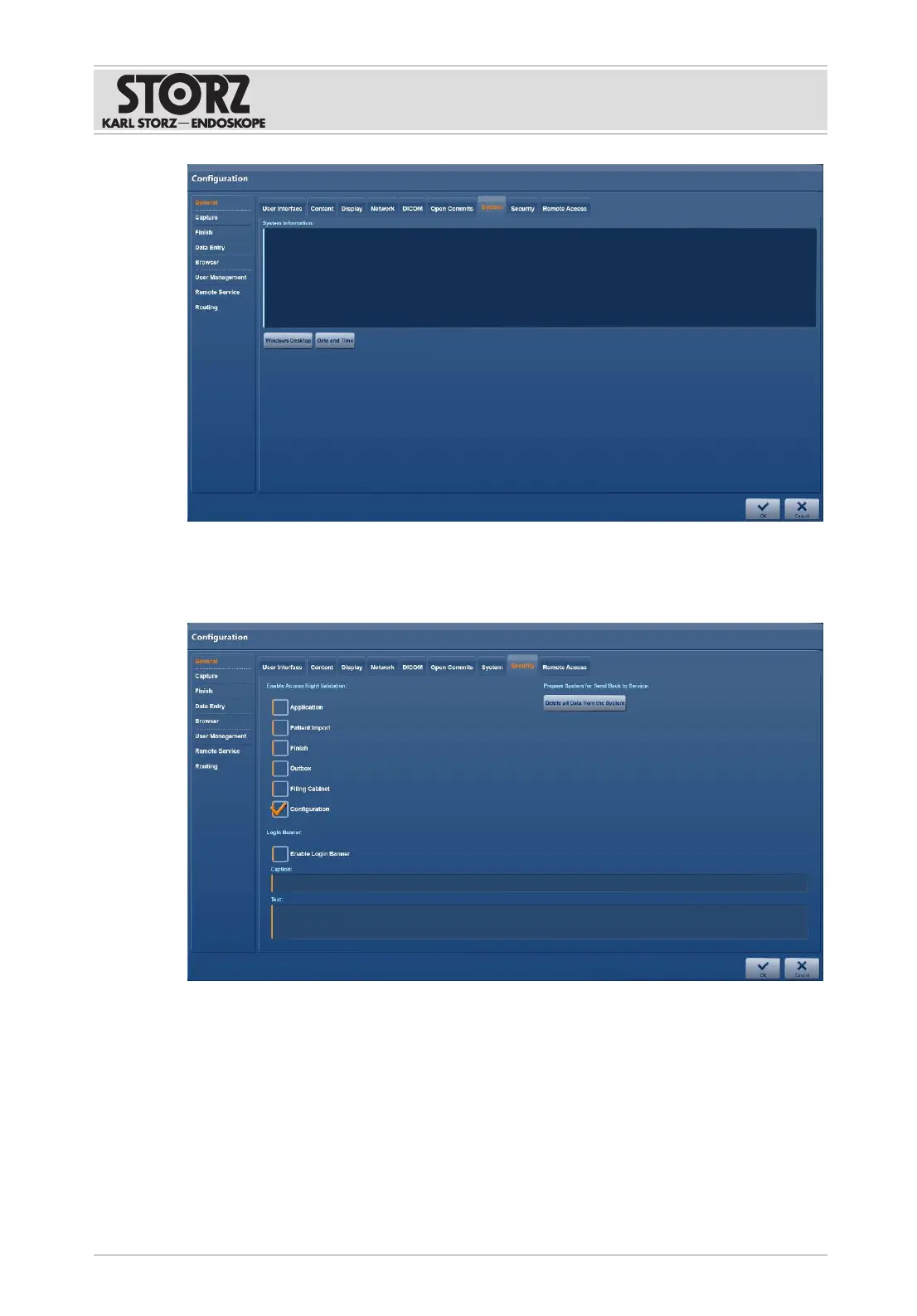
6.1.2.8 Security
The
Security
tab is used to set up access control.
1. Tap the
Security
tab.
2. Check the required checkboxes.
3. Complete the
Caption
and
Text
fields. This text is displayed to every user when they log
in.
4. If the system is to be sent to the Service team, tap the
Delete All Data from the System
button.
5. Press
OK
to confirm.













 To Next Page