Operation
Instructions for use • AIDA C WD310 • AAB272_EN_V2.0_12-2021_IFU_CE-MDR 79
7.3.2.1 Capturing stills and recording videos
Stills can be captured and videos can be recorded using the buttons on the user interface or
via a voice command. They can also be captured or recorded using a foot pedal or the camera
head buttons.
1. Tap
Capture still
or
Record video
in the
Input 1
or
Input 2
section.
ð The image or recording is created.
2. To stop the video recording, tap the
Record video
button again.
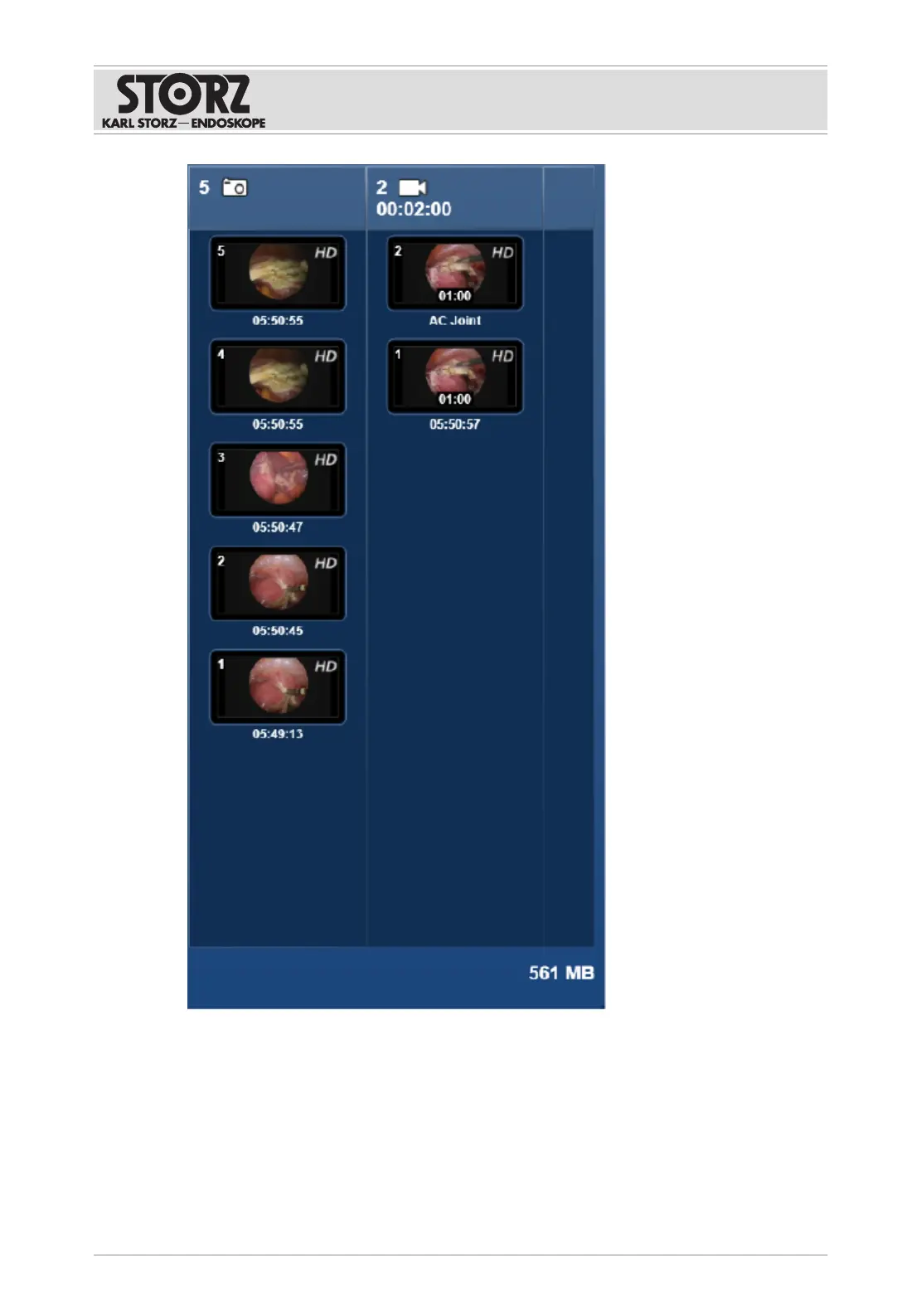
ð The most recently created image/video is displayed first in the preview area.













 To Next Page