Operation
Instructions for use • AIDA C WD310 • AAB272_EN_V2.0_12-2021_IFU_CE-MDR 80
Video sequences recorded using the foot pedal or the camera head buttons are created in the
same way as stills are captured.
If the storage space on the hard disk is less than 250GB, a warning to this effect with the
remaining recording time is displayed in the information bar. Video recording is canceled when
there is just 100GB remaining. Stills can still be captured. The administrator is responsible for
managing the storage space.
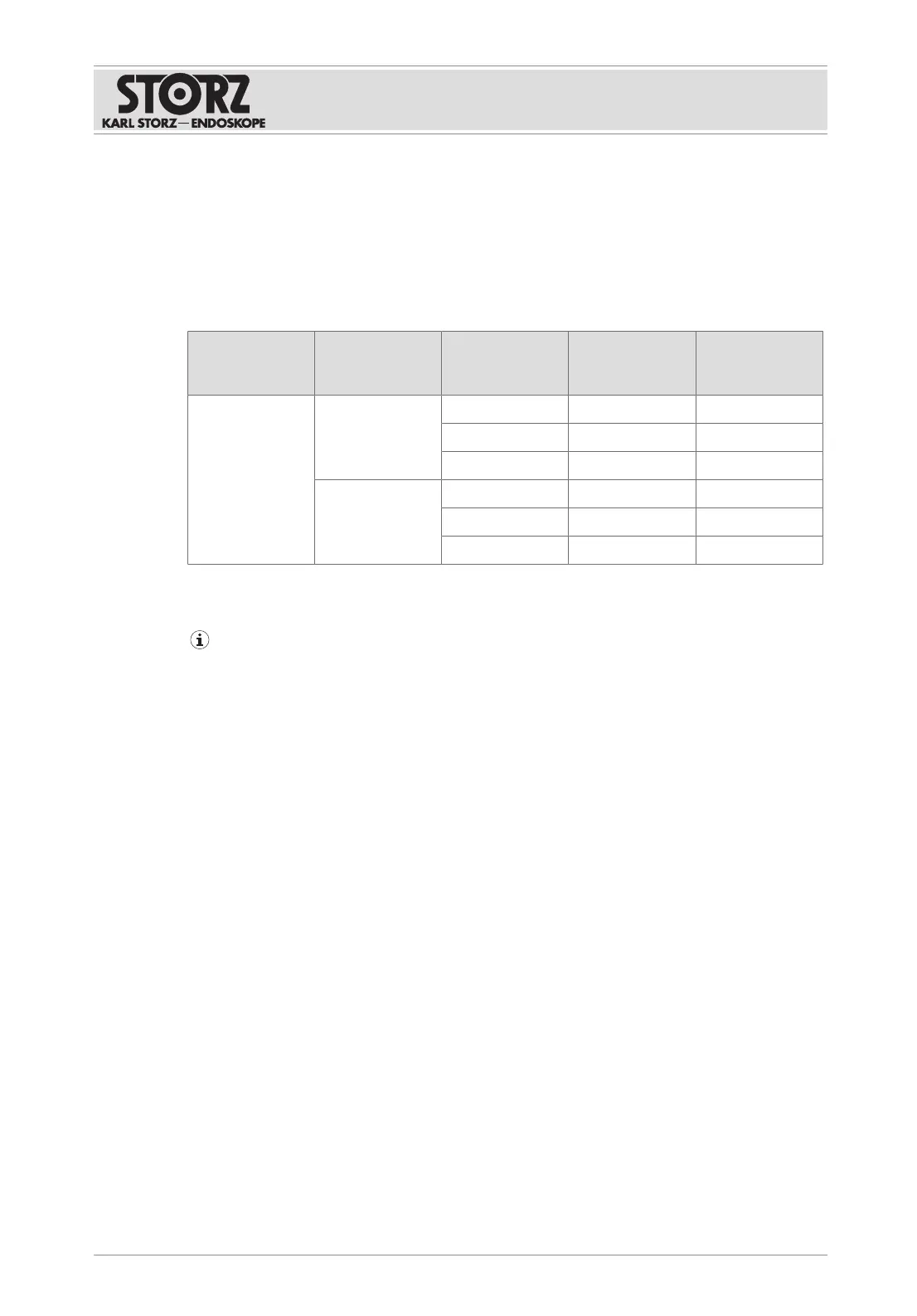
The following table shows the expected file size per minute of capturing depending on the
format, resolution, and capture quality:
Format Quality Resolution Transmission
rate
File size per
minute of cap-
turing
MPEG4/MOV High 1080p 16Mbit/sec 120MB/min
720p 8Mbit/sec 60MB/min
SD 3Mbit/sec 23MB/min
Normal 1080p 4Mbit/sec 30MB/min
720p 2Mbit/sec 15MB/min
SD 1Mbit/sec 8MB/min
Voice commands
Compatible microphone systems must be used for image capture and video recording.
Captures or recordings are always created synchronously from both sources. If one source is
not active, a black image is recorded.
The following voice commands are preset:
– Activation word: AIDA
– Capture a still image: Picture
– Start video recording: Record
– End video recording: Stop
The response to the voice command may be delayed.
ü Voice control is activated.
ü The activation word and the voice commands have been specified.
1. Switch on the microphone.
2. Say the activation word.
ð The
Microphone
symbol turns orange.
3. Say "Picture" or "Record".
ð A still image is captured.
ð A video recording is started.
4. Say "Stop" to end the video recording.
ð The captures from both sources are displayed in the preview area.













 To Next Page