Objet350 User Guide 5 Using Objet Studio
DOC-17001 Rev.G 5-95
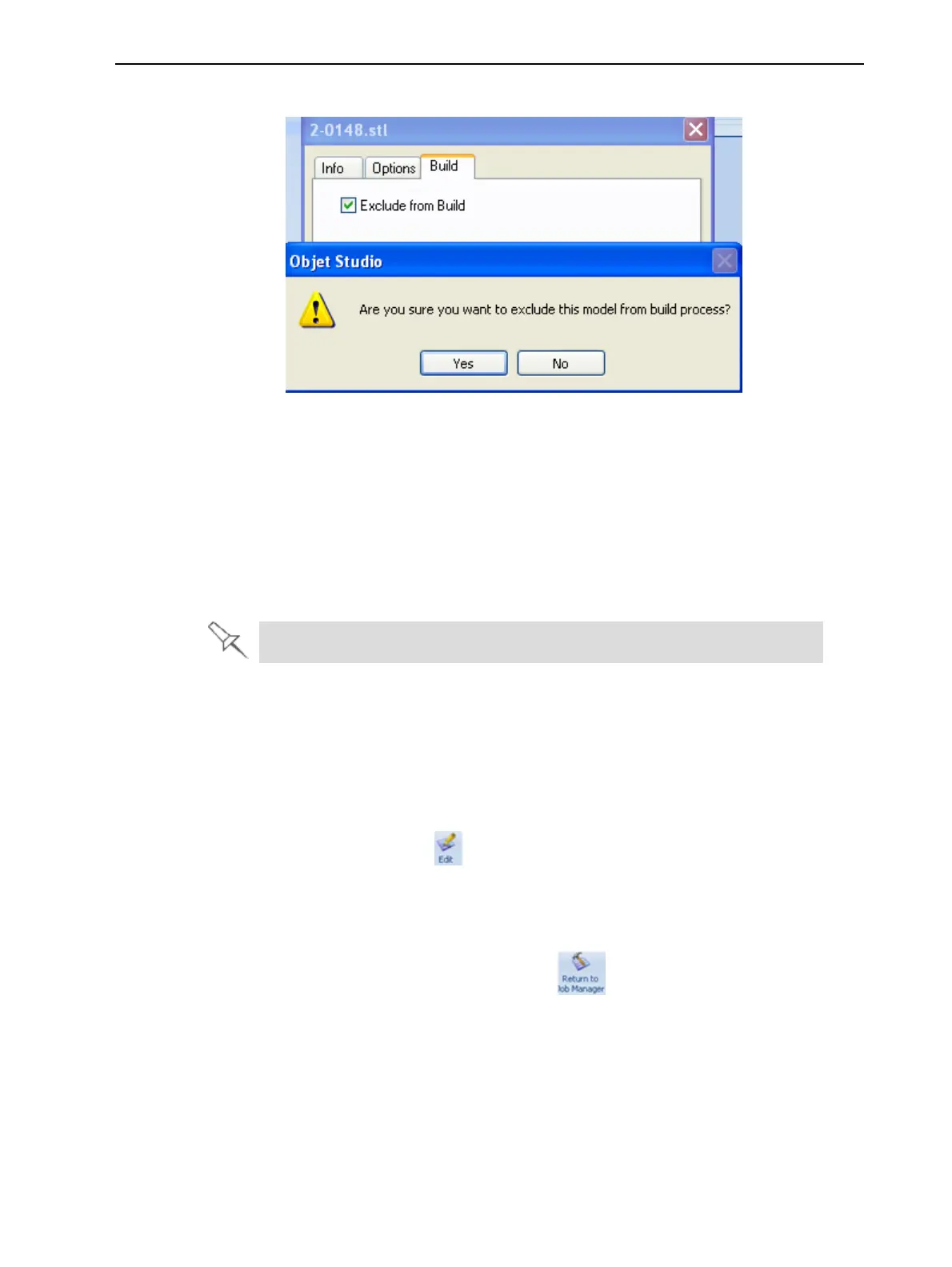
3. SelectExcludefromBuild.
Figure5-120Excludingamodelfromthebuild
4. ClickYestoconfirm.
Onservercomputers,youcanuseTrayPreviewtodynamicallydisplayobjects
astheyareprinted,layerbylayer.Thisenablesyoutovisuallymonitor
printingprogressonthecomputerscreen.
TodisplayprintingprogressintheTrayPreviewpane:
➢ FromtheJobmenu,selectShow3dProgress.
Thisoptionusesadditionalsystemresources.
EditingJobs
YoucanopenjobsintheJobs Queueforediting.
Toeditajob:
1. Selectthejob.
2. ClicktheEdit icon .
TheTray Settings screenopens,displayingthebuildtray.Thestatusof
thejobintheJob Managerscreenchangesto“Editing.”
3. Editthejob.
4. OntheTray Settings ribbon,click .
ThestatusofthejobintheJob Managerscreenchangesbackto
“Waiting.”













 To Next Page