Objet350 User Guide 6 Operating and Maintaining the Objet350 3DPrinter
DOC-17001 Rev.G 6-45
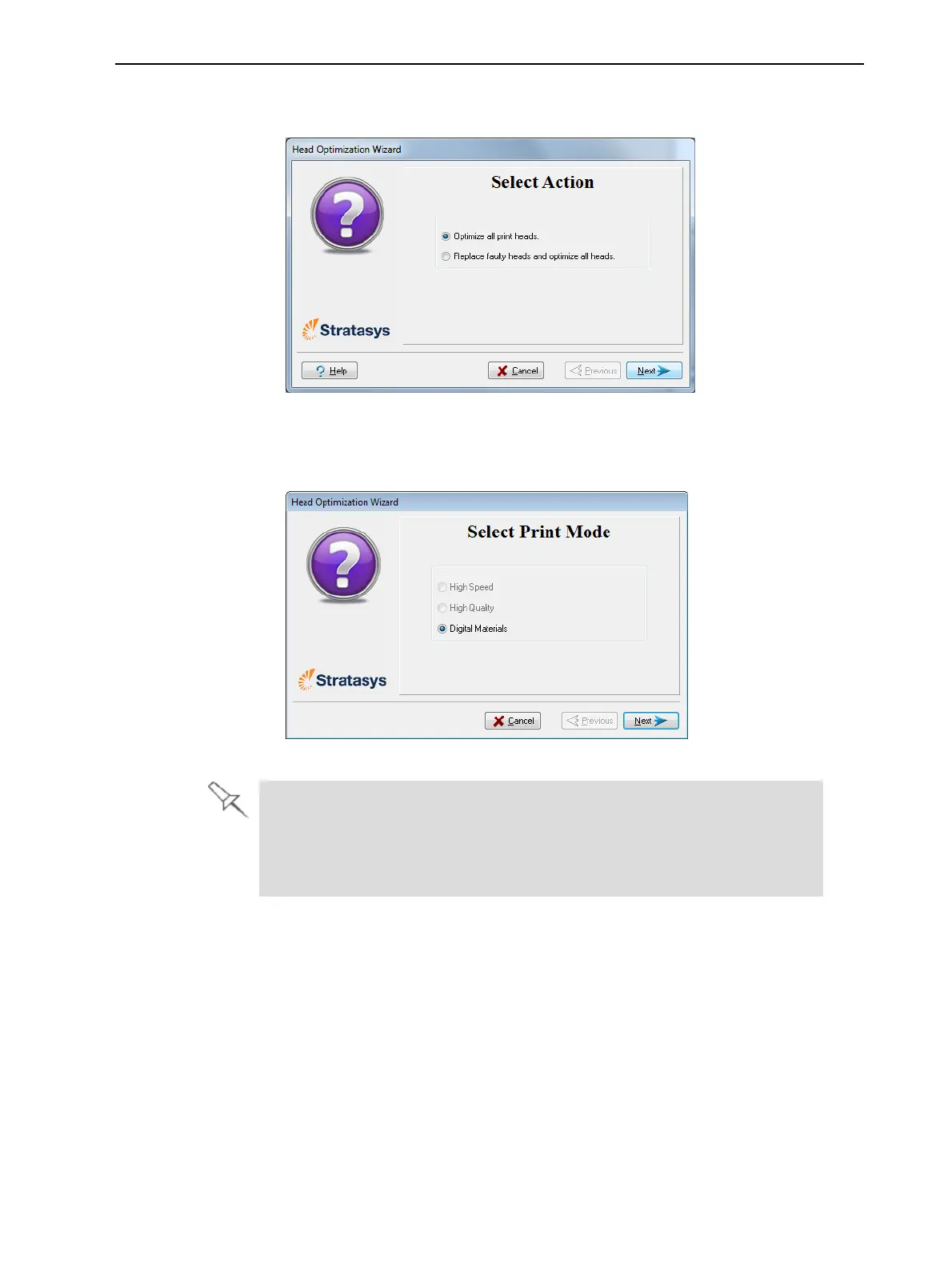
7. Inthefollowingscreen,makesureOptimize all print headsisselected,
andclickNext.
Figure6-56Procedureselectionscreen
8. Selecttheprintingmodeforwhichyouwanttooptimizetheprintheads
andclickNext.
Figure6-57Printingmodeselection
IfyourprinterissettoprintinSinglematerialmode,onlytheHigh Speed
andHigh Qualityoptionsareenabled.
IfyourprinterissettoprintinDigitalMaterialmode,onlytheDigital
Material opitonisenabled.













 To Next Page