Objet350 User Guide 6 Operating and Maintaining the Objet350 3DPrinter
DOC-17001 Rev.G 6-44
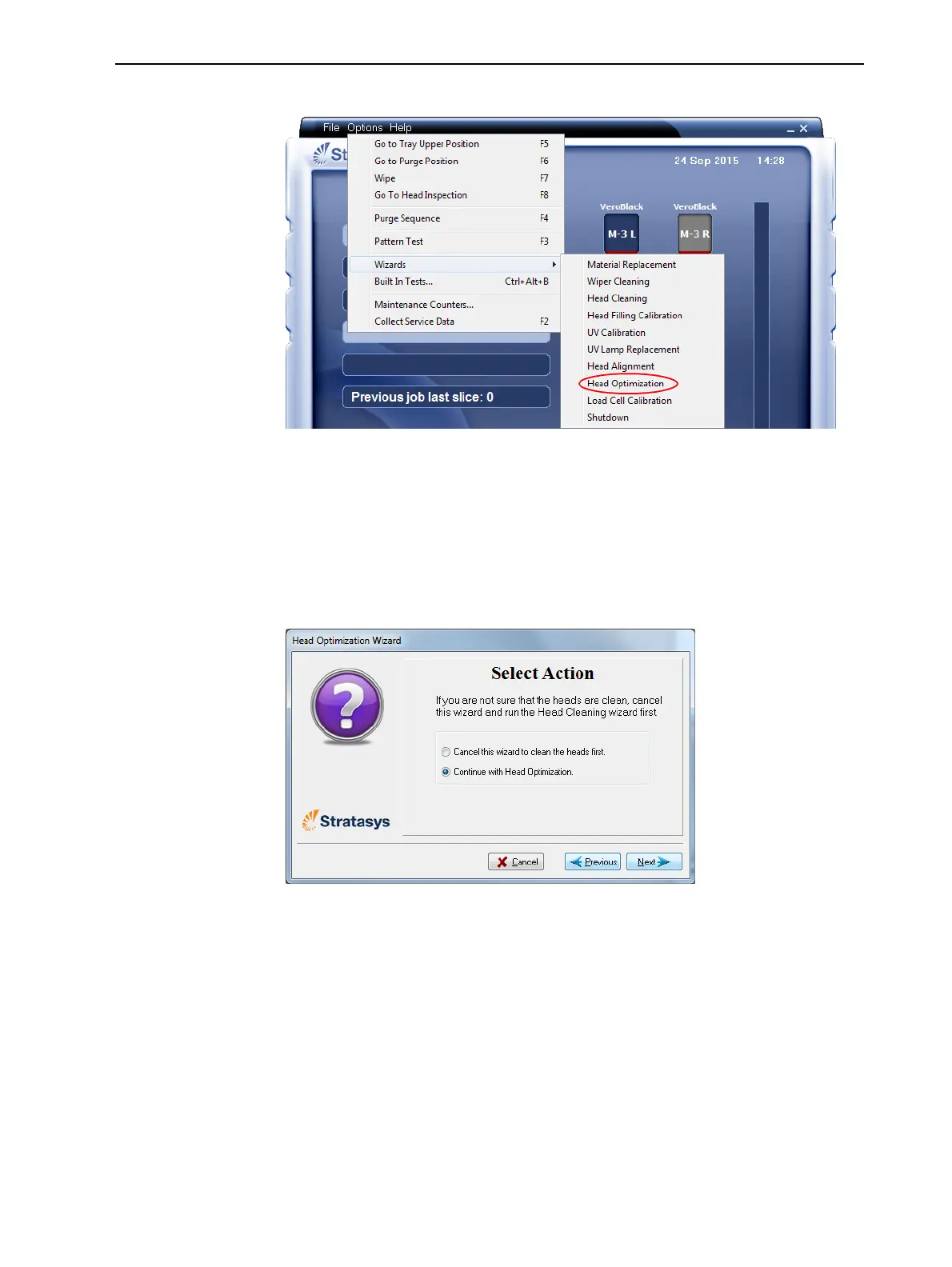
3. StarttheHeadOptimizationwizardfromtheOptionsmenu.
Figure6-54StartingtheHeadOptimizationwizard
4. Intheopeningwizardscreen,clickNexttobegin.
TheWizard Conditionsscreenappears.
5. Readtheconditions,selectI AgreeandclickNext.
6. Inthefollowingscreen,selectContinuewithHeadoptimizationifyouhave
recentlycleanedtheprintheads.Otherwise,cancelthewizardandrunthe
HeadCleaningwizard.
Figure6-55Cleanprintheadsscreen













 To Next Page