Objet350 User Guide 6 Operating and Maintaining the Objet350 3DPrinter
DOC-17001 Rev.G 6-21
Shutdown
Wizard
ToruntheShutdownwizard:
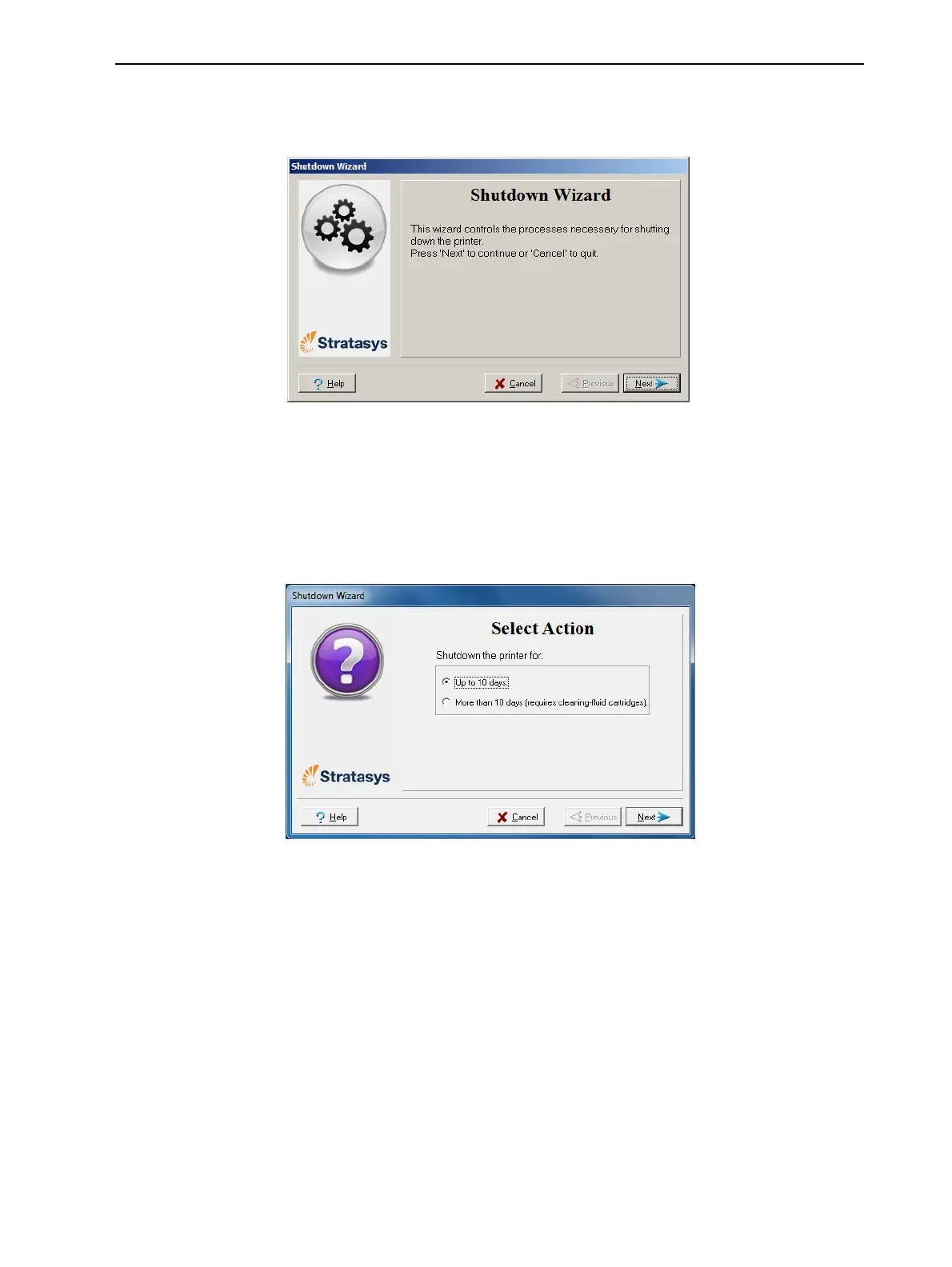
1. StarttheShutdownwizardfromtheOptionsmenu.
Figure6-16Shutdownwizard,openingscreen
2. ClickNext.
3. Selecttheoptioncorrespondingtothelengthoftimethattheprinterwill
notbeused—lessormorethantendays.
Note: BeforeselectingMore than 10 days,makesurethatcleaning-fluid
cartridgesareavailable.
Figure6-17Shutdownoptions













 To Next Page