Objet350 User Guide 5 Using Objet Studio
DOC-17001 Rev.G 5-49
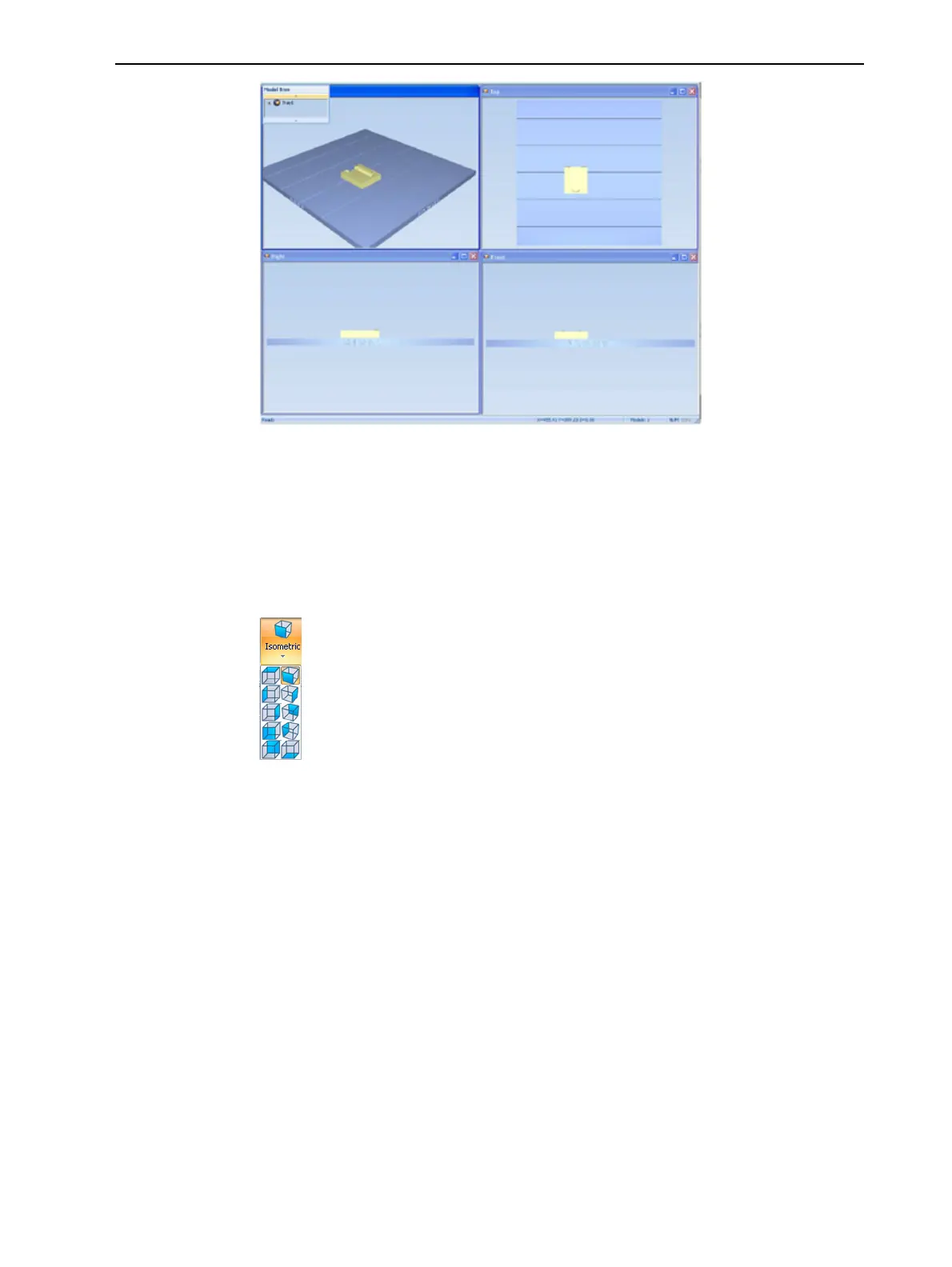
Figure5-594-viewscreenlayout
Tray
Perspective
Thedefaultperspectiveofthebuildtrayis“isometric.”Youcanchangethe
perspectiveoftheactivewindowwithoneoftenoptions.
Tochangetheperspectiveofthebuildtrayintheactivewindow:
1. OntheTray Settingsribbon,openthePerspectiveflyouttoolbar.
Figure5-60Perspective toolbar
2. Clicktheiconthatrepresentsthedesiredperspective.













 To Next Page