Objet350 User Guide 5 Using Objet Studio
DOC-17001 Rev.G 5-50
TrayPositioning
Toviewthetrayandmodelsfromdifferentdirections,youcanmovethetray
aroundthescreenandchangeitsdisplayangle.
TomovethetrayintheObjetStudioscreen:
➢ Pressthemousewheelwhilemovingthemouse.
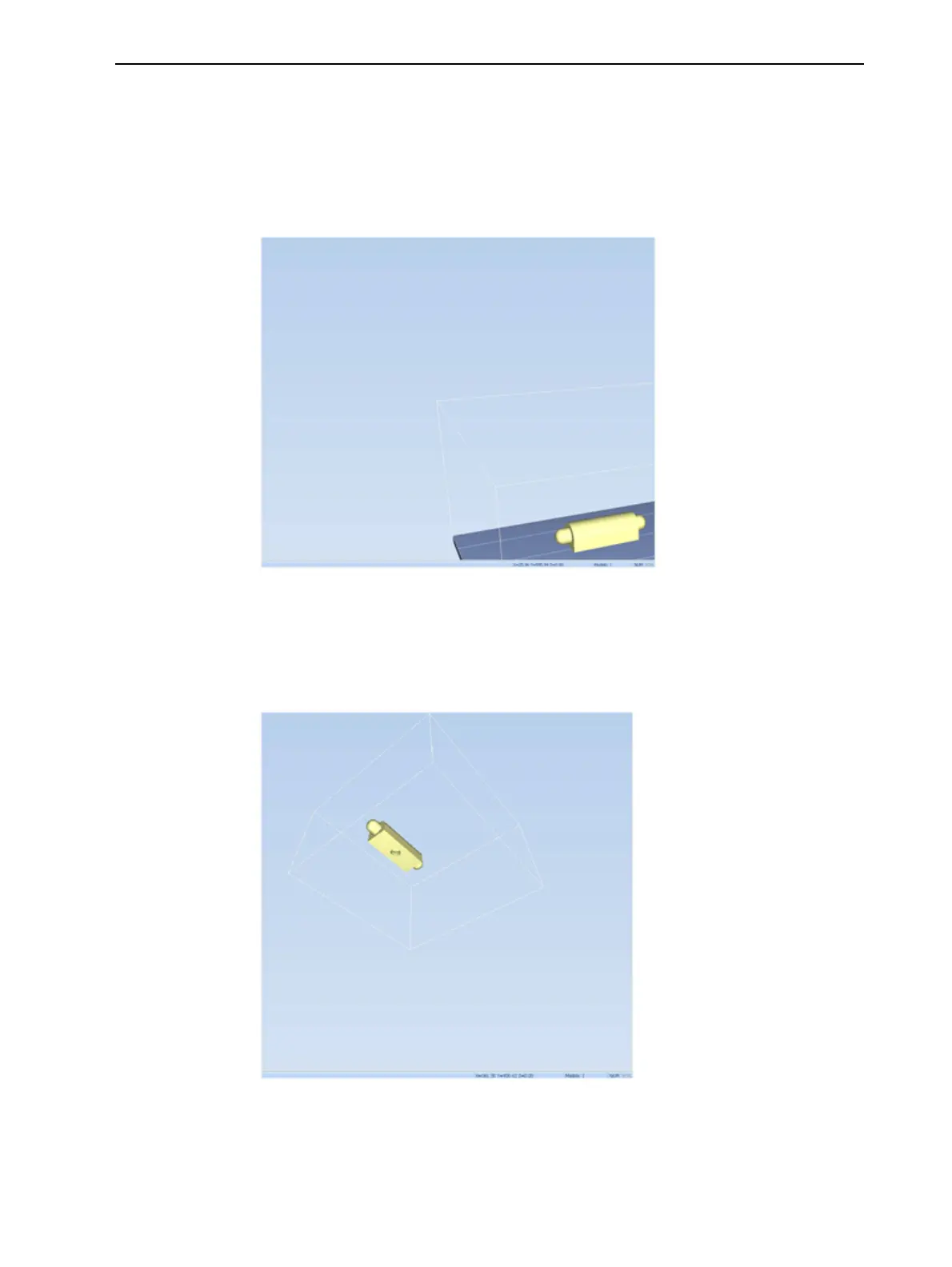
Figure5-61TrayaftermovingitintheObjetStudiodisplay
Tomanuallyrotatethetray:
➢ PressAltandpressthemousewheelwhilemovingthemouse.
Figure5-62Trayafterrotatingitupside-down
Toviewthetrayandmodelsfromdifferentdirections,youcanchangeits
displayangle.













 To Next Page