Objet350 User Guide 5 Using Objet Studio
DOC-17001 Rev.G 5-11
Assigning
Properties to
Hidden Objects
Toenableyoutoassignmaterialsandotherpropertiestopartsofobjectsthat
arehiddenfromviewonthebuildtraydisplay,youcantemporarilyturnoff
thedisplayofsomeobjects.
Topreventthedisplayofobjects:
1. Right-clickanobject,eitheronthebuildtrayorinthemodeltree.
2. Fromthemenuthatopens,selectoneofthefollowingoptions—
❒ Hide,tocausetheselectedobjecttodisappear.
❒ HideOthers,tocauseallotherobjectsonthebuildtraytodisappear,so
thatonlytheselectedobjectisdisplayed.
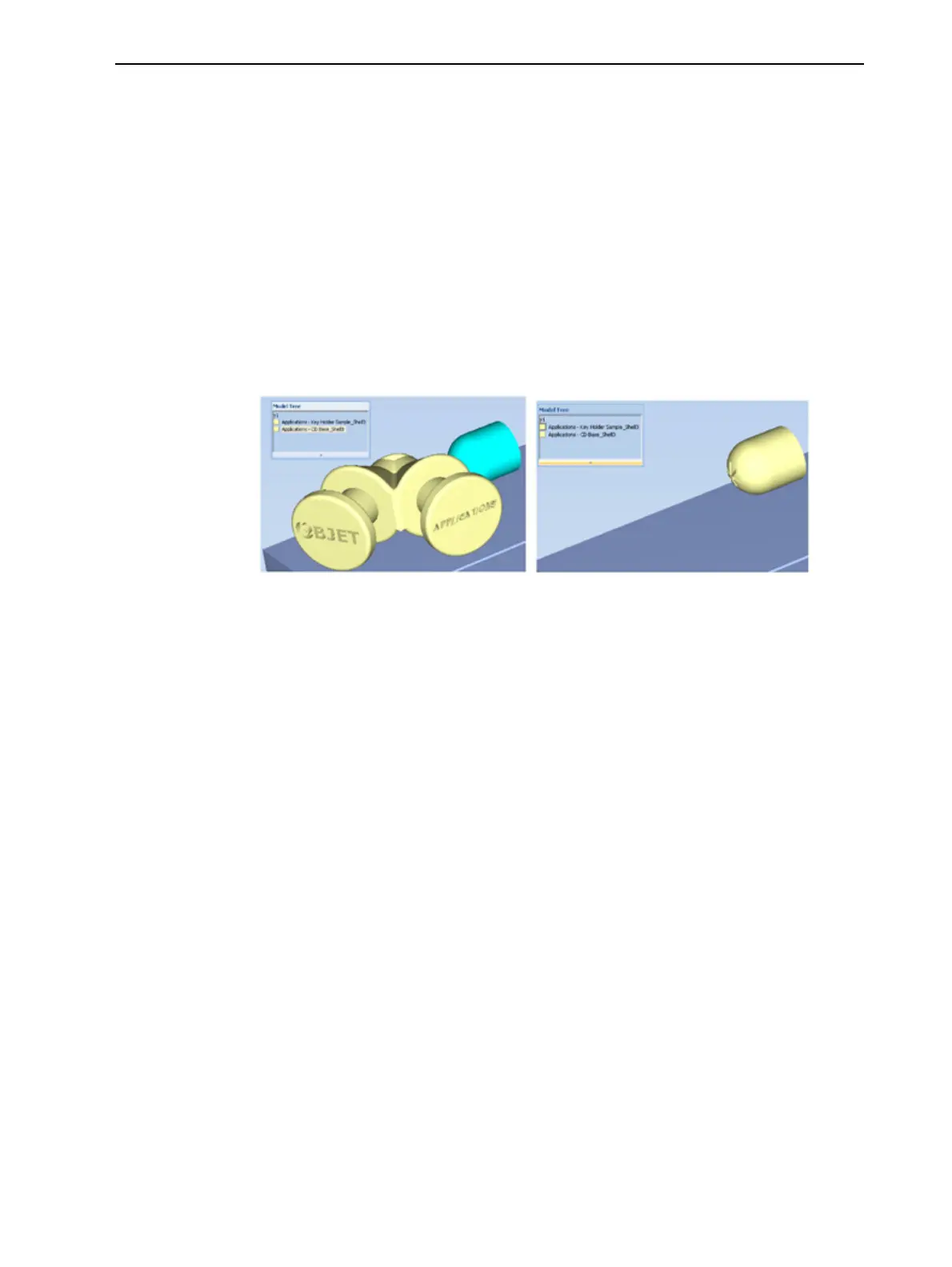
Alternately,youcanclearthecheckboxnexttothenameoftheobject
inthemodeltreetocausethatobjecttodisappear.
Figure5-9 Left:Allobjectsdisplayed;Right:Outerobjectshidden













 To Next Page