Objet350 User Guide 5 Using Objet Studio
DOC-17001 Rev.G 5-18
Opening Objet
Tray Files
Youcanopentraysthatweresavedasobjtffiles.(Savingobjtfisdescribedin
"SavingandImportingBuildTrays"onpage5-67).
ToplaceanobjectsavedasanObjetTrayFile(objtf)fileonthebuildtray:
1. FromtheFilegroup,click .
or—
FromtheObjetStudioCommandsmenu ,selectOpen.
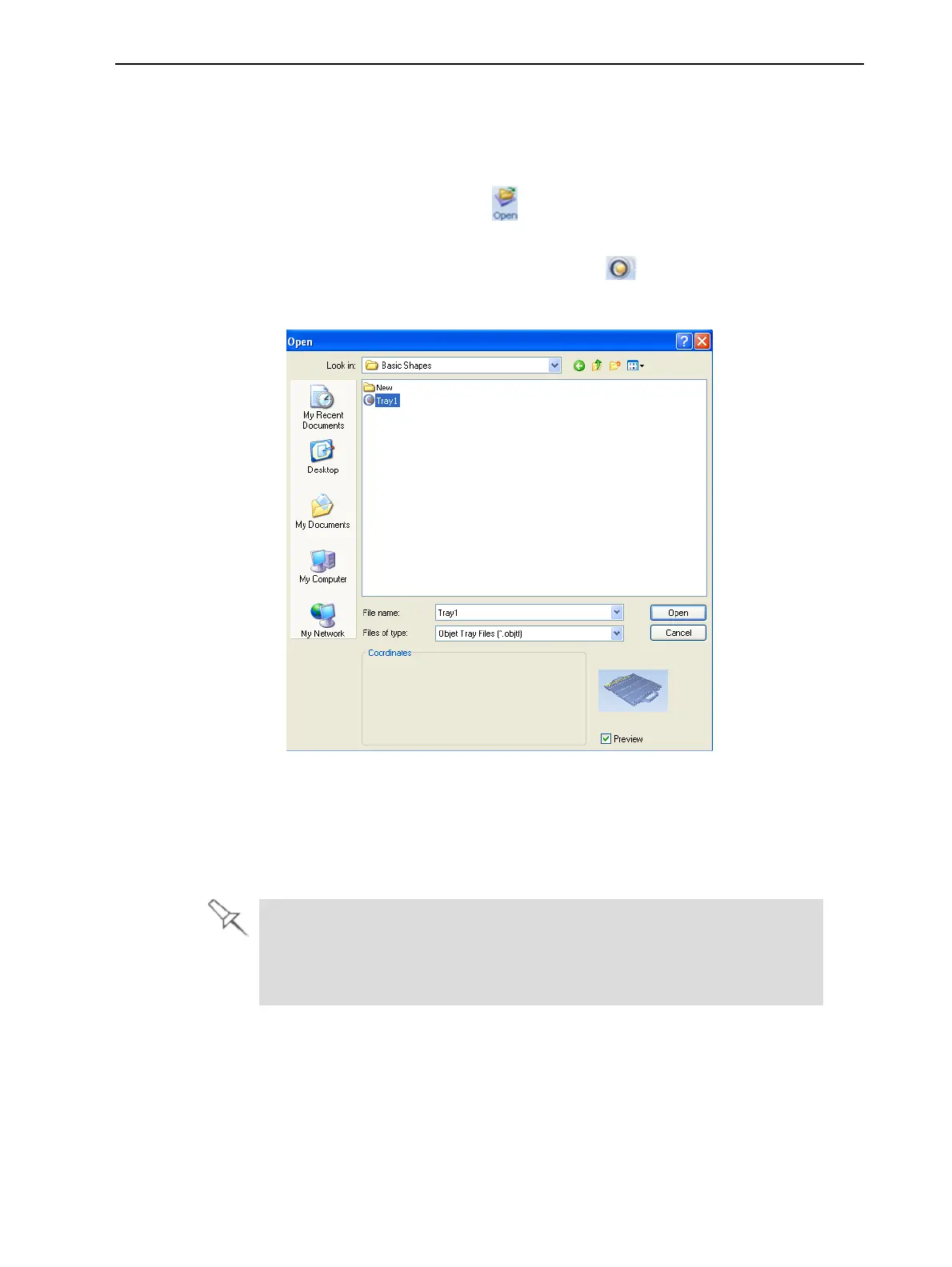
TheOpendialogboxisdisplayed.
Figure5-16ObjetTrayFileOpendialogbox
2. Selectthedesiredfile,andmakesurethatitappearsintheFile namefield.
IfthePreviewcheckboxisselected,theobjectisdisplayed.
3. ClickOpen.
ObjetStudioopensthetrayfile.
Theobjtffileisactuallyafilecontaininginstructionsforprinting—whichstl
filestoprintandtheirpositiononthebuildtray.Becausetheobjtffile
referencesthestlfilesused,theymustremaininthesamefilelocationas
whentheobjtffilewassaved.













 To Next Page