Use of machine
190
Verti-Mix SF / Verti-Mix Double SF Version 06.12
The "Recipe" display (Fig. 162) appears.
8. Repeat steps 5 to 7 until all modifications
have been entered.
Modify component options / discharge
station options
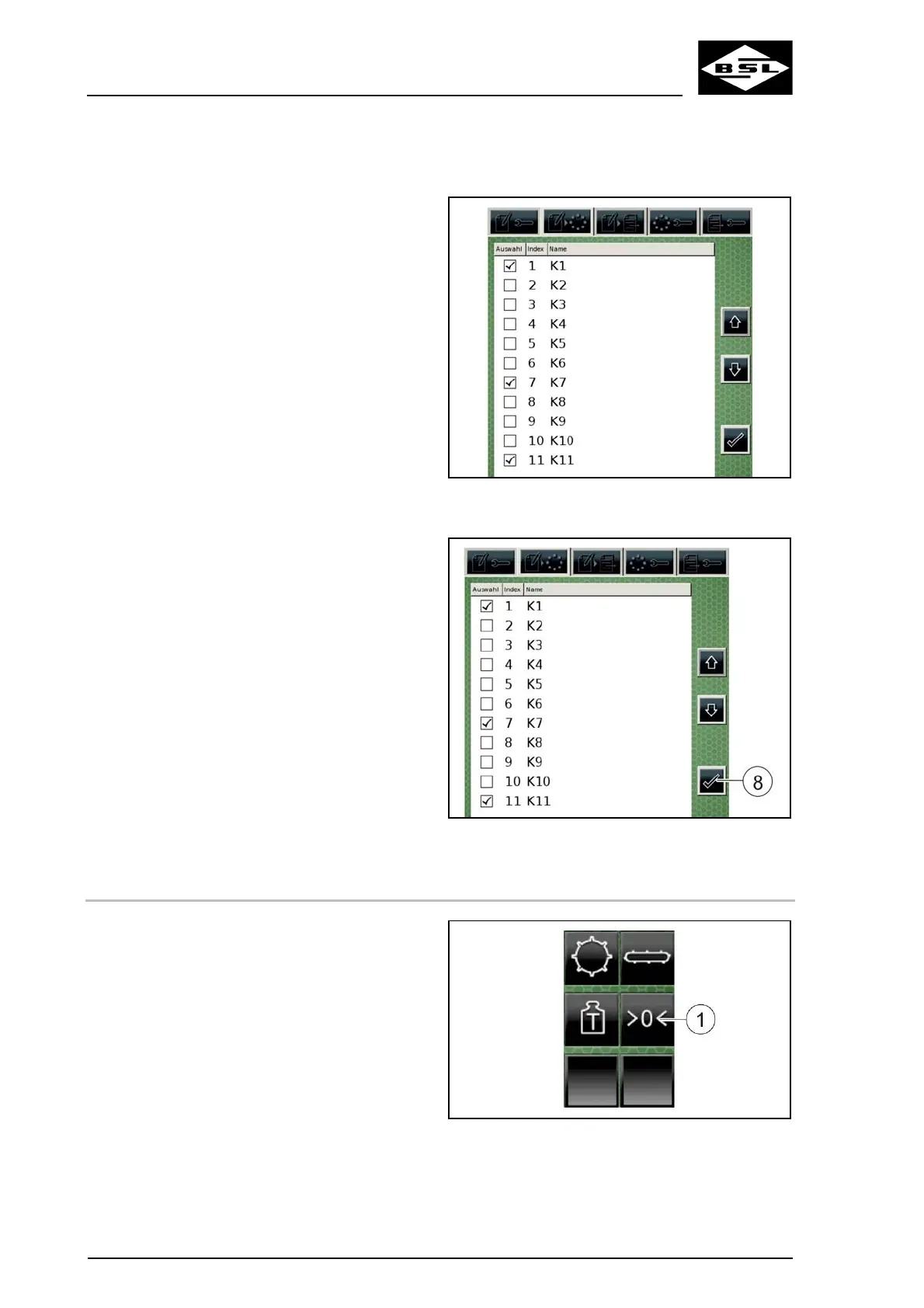
9. Open the "Component options" (Fig. 162/6)
or "Discharge station options" (Fig. 162/7)
tab.
The "Component options" (Fig. 163) or
"Discharge station options" display appears.
10. Add or deselect components / discharge
stations to adapt your list of options.
The selected components or discharge
stations are displayed in the "Component
parameters" or "Discharge parameters" tab.
Fig. 163
Save changes
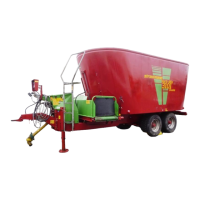
11. Confirm your entries by pressing the
"Confirm" key (8).
The "List of recipes" display appears.
Fig. 164
8.6.9 Weigh components
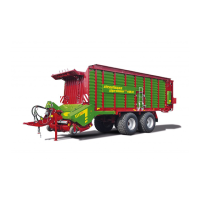
1. Press the "Reset total value" key (1).
The "Display Weight 2" (2) shows "0" as
total weight.
2. Fill the mixing container. Observe the
information in the chapter "Fill fodder mixing
wagon", page 164.
The "Display Weight 2" (2) shows the
current total weight.
Fig. 165



 To Next Page