Design and function
Verti-Mix SF / Verti-Mix Double SF Version 06.12
65
5.7.4 Operating states of individual machine components
5.7.4.1 General displays – Warning and control messages
The warning and control messages displayed at the terminal indicate
certain functions or malfunctions. Some of the warning and control
messages listed here are part of certain machine equipment or of
optional extras.
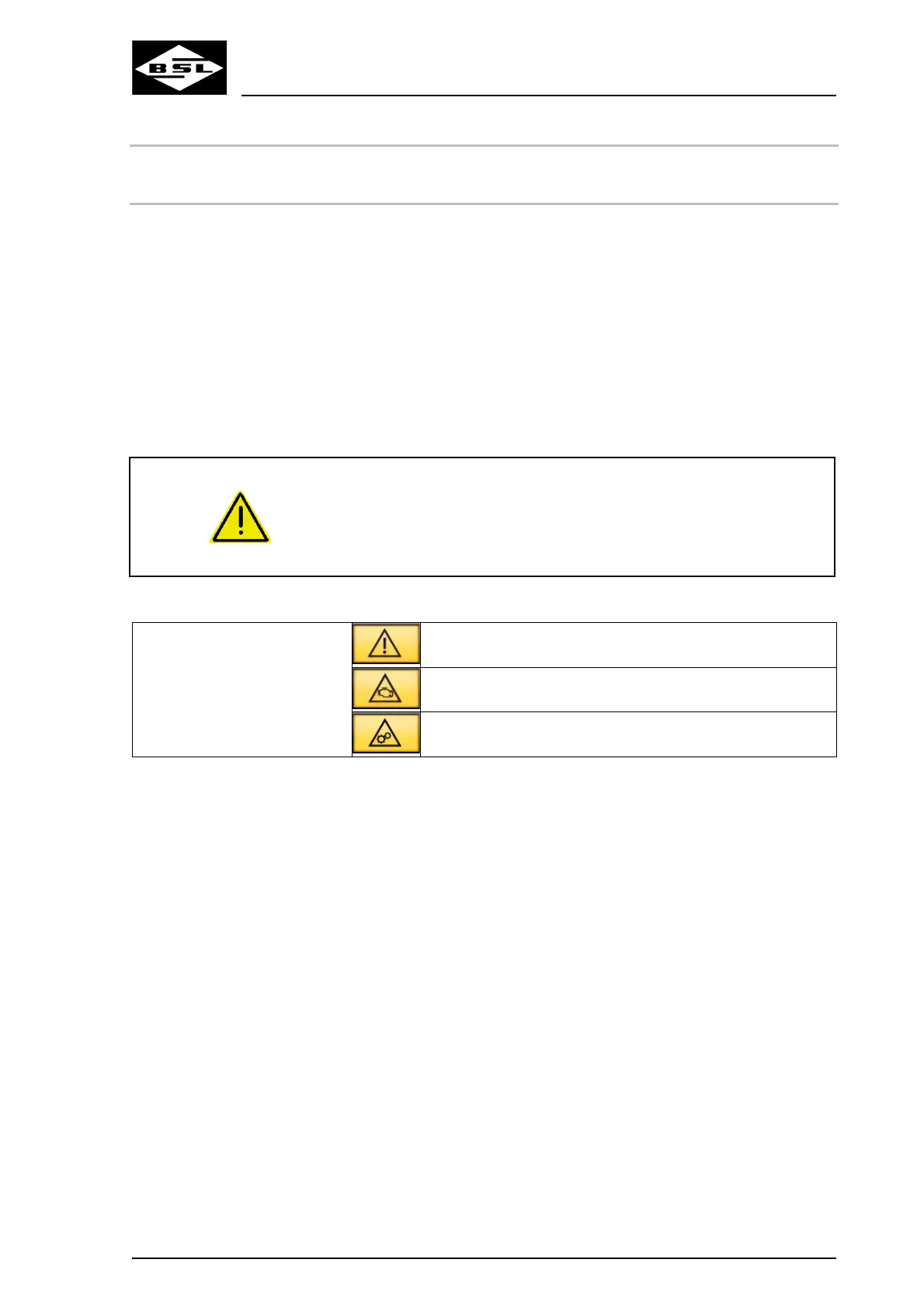
If a general error, an engine or machine malfunction occurs, a
warning message is displayed in the "Date and time" box. A warning
message consists of a yellow or red box with a warning triangle. If
such an error or malfunction occurs, it can be displayed in detail when
pressing the "Warning message" key in the "Date and time" box.
For the respective descriptions and warning information regarding the
warning and control messages, refer to the indicated pages.
CAUTION
Serious damage to the machine due to non-observance of
warning or control messages lighting up!
Non-observance of warning or control messages lighting up and of
the respective descriptions and warning information may cause
serious damage to the machine!
Observe the following instructions for warning messages:
Yellow background = Slight
error
Slight general error
Slight engine malfunction
Slight machine malfunction
1. Touch the warning message on the display for details
about the error or malfunction.
The terminal displays all current errors or malfunctions
one after the other.
2.a Remedy the error(s) or malfunction(s) if possible.
2.b Have your machine ID no. (17-digit) ready and contact
the Strautmann customer service under Phone: + 49
(0) 5424 802-0.



 To Next Page