Use of machine
Verti-Mix SF / Verti-Mix Double SF Version 06.12
191
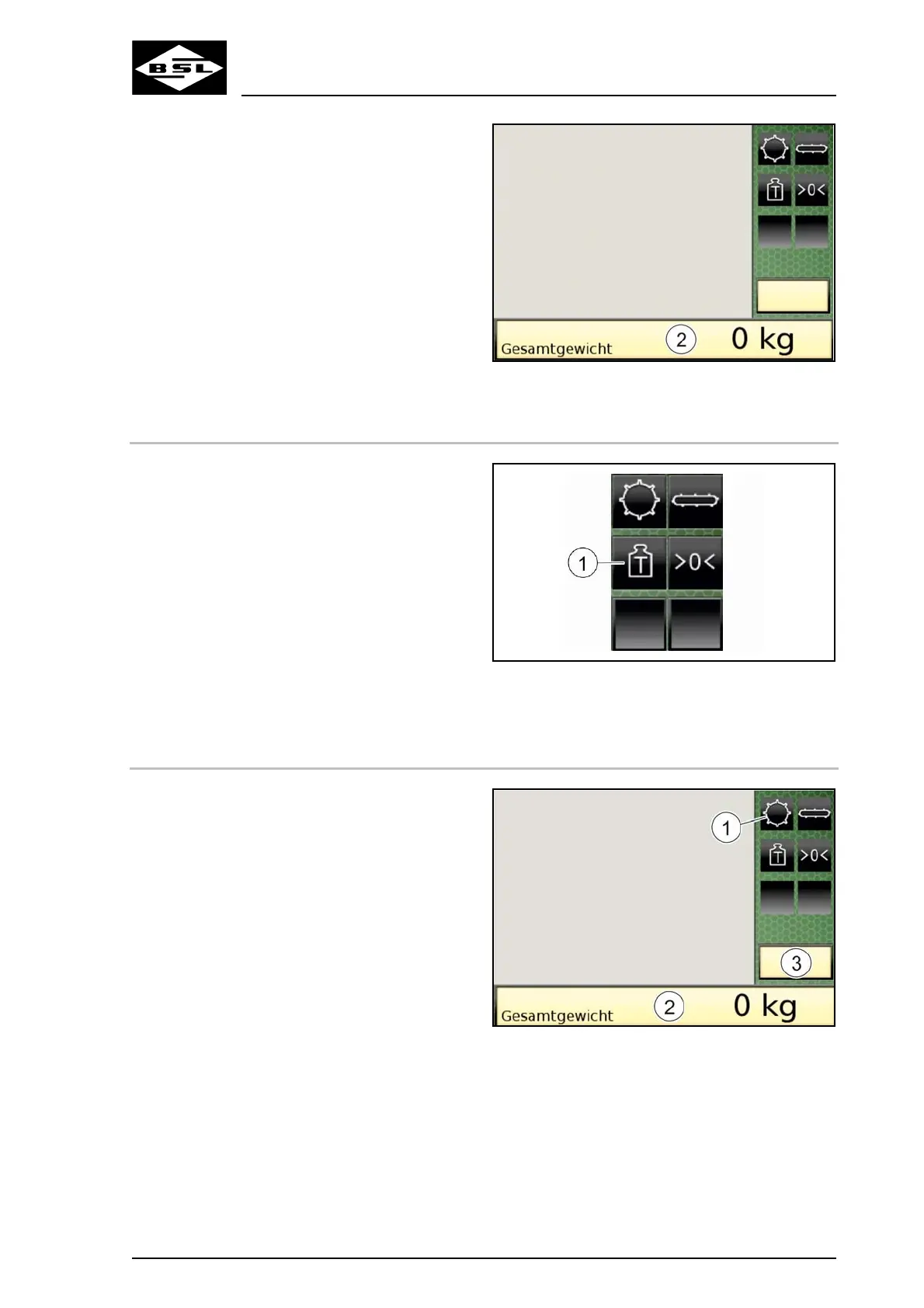
Fig. 166
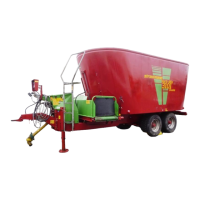
8.6.10 Weighing by difference
The weight of the components which are being
added can be determined.
1. Press the "Tare weight" key (1).
The "Display Weight 1" shows "0" as tare
weight. The "Display Weight 2" shows the
current total weight.
2. Fill the mixing container. Observe the
information in the chapter "Fill fodder mixing
wagon", page 164.
The "Display Weight 1" shows the current
tare weight. The "Display Weight 2" shows
the current total weight.
Fig. 167
8.6.11 Start charging mode
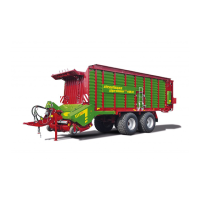
1. Select "Charging" mode. For details refer to
page 111.
2. Press the "Charging mode" key (1).
Instead of the camera picture, the terminal
displays a list of saved recipes (Fig. 169).
Fig. 168



 To Next Page