Design and function
Verti-Mix SF / Verti-Mix Double SF Version 06.12
97
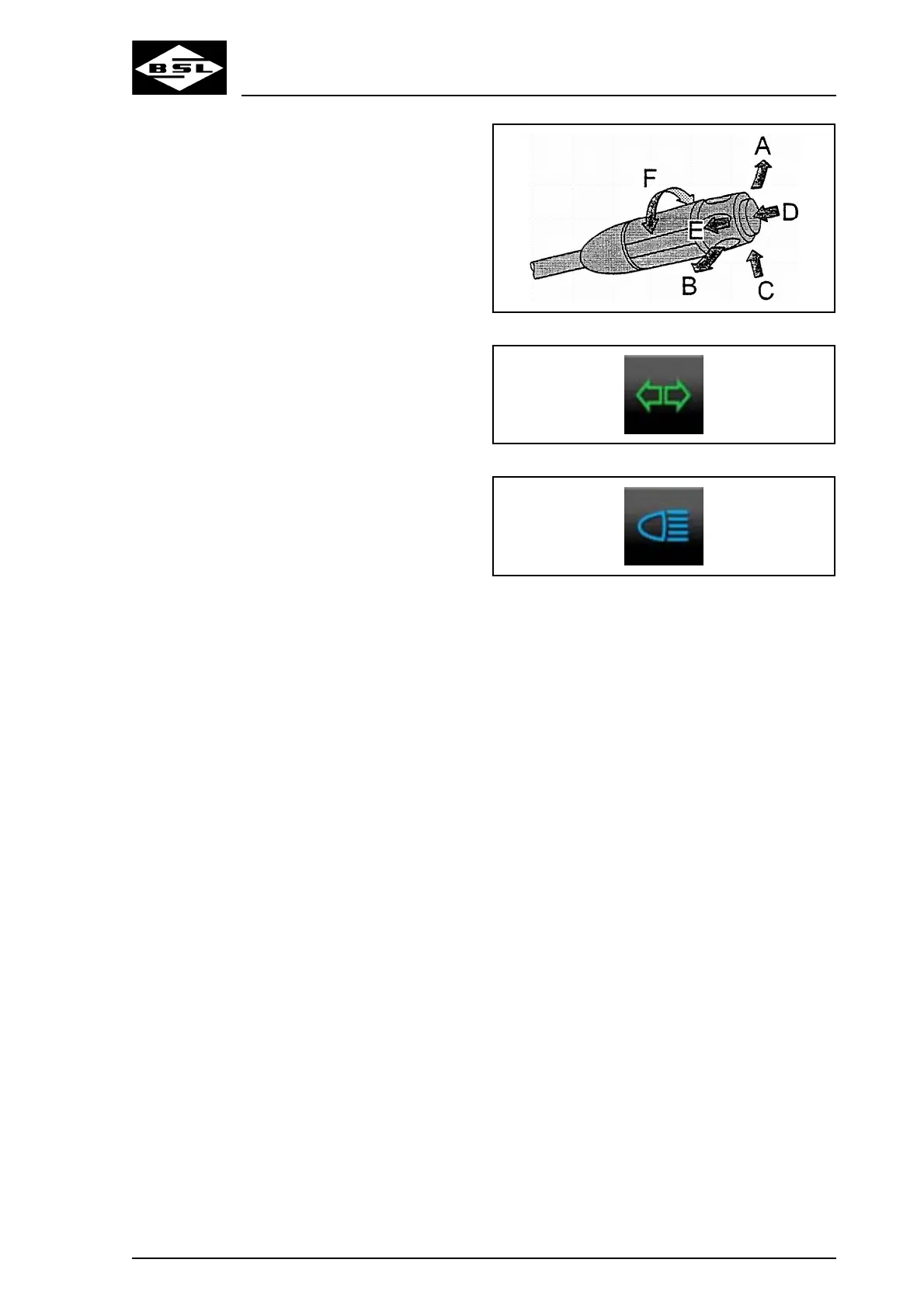
The following functions can be selected via the
multi-function switch:
Switch indicators on
1. Push the multi-function switch as far as it
will go forward (A) to actuate the left-hand
indicator, or backwards (B) to actuate the
right-hand indicator.
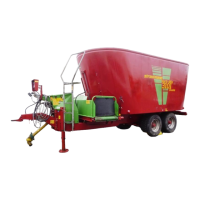
With the indicators switched on, the control
message "Indicator system" (Fig. 42)
flashes.
In case of a defective light bulb of the
indicator system, the flashing rhythm of the
control message increases.
Switch full headlights on and off
1. Switch the driving light on. For details refer
to the chapter "Switch on and off lights",
page 95.
2. Push the multi-function switch upwards (C)
to switch on full headlights.
With full headlights switched on, the control
message "Full headlights" (Fig. 43) lights
up.
3. Pull the multi-function switch back to its
initial position to switch the full headlights
off again.
The control message "Full headlights"
(Fig. 43) goes out.
Switch headlight flasher on
1. Pull the multi-function switch towards the
steering wheel (C) to actuate the headlight
flasher.
Fig. 41
Fig. 42
Fig. 43



 To Next Page