38 3006-109-101 REV A www.stryker.com
Return To Table of Contents
Footboard Operation Guide
5. Scale Units
• The Change Scale Units feature allows the operator to select the
unit of value (lb or kg) for the scale information that is presented on
the display.
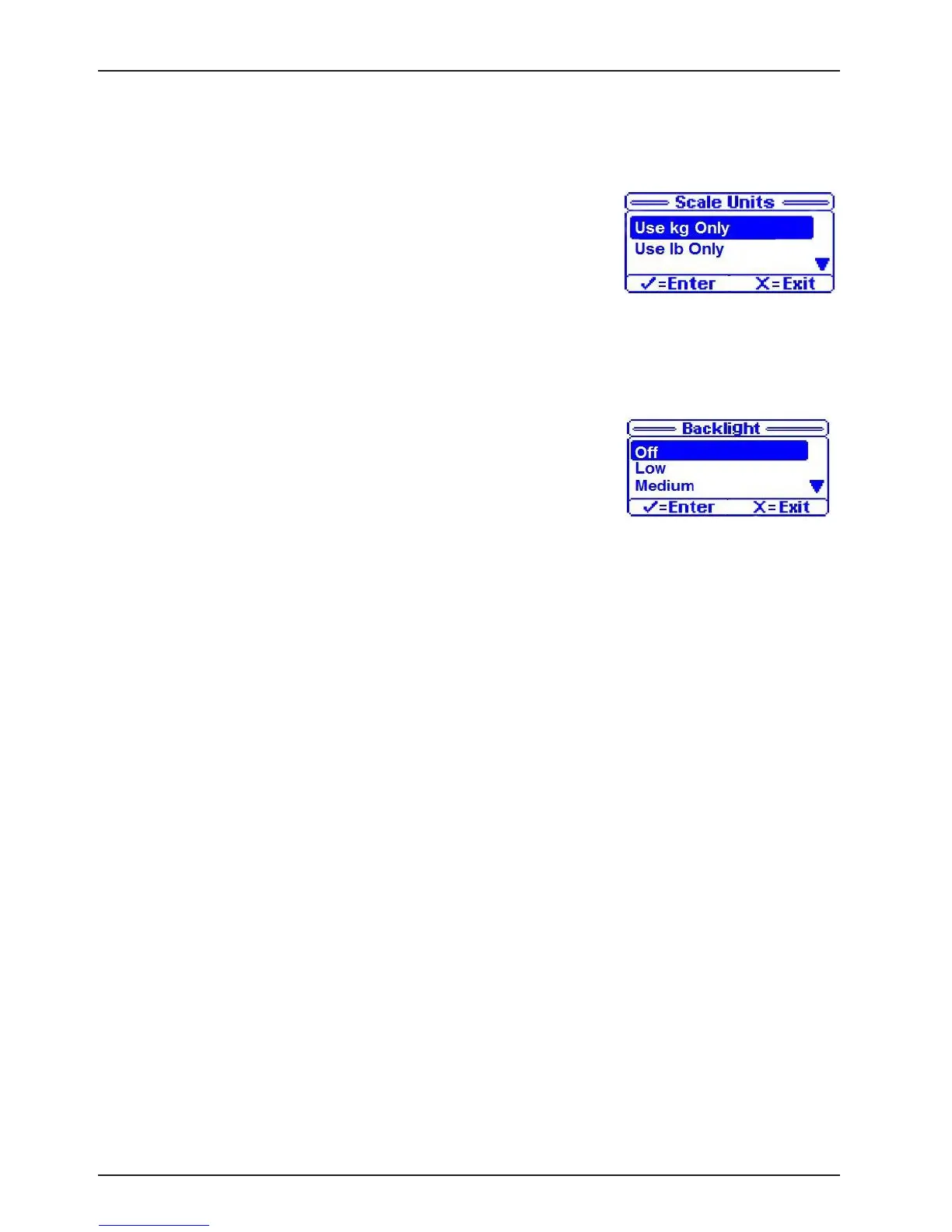
• When the change scale units is selected, Figure 11 is displayed.
• This screen will highlight the current scale unit setting.
• To change the scale unit setting, scroll to the desired setting and
press the “Enter” button.
• The default setting is “lb”
6. Backlight
• When the backlight feature is selected the display will change to the
backlight selection screen as shown in Figure 12.
• This screen will highlight the current backlight setting.
• Five settings are available for the backlight; Off, Low, Medium, High
and Nurse Call Only.
• To change the backlight setting; scroll to the desired setting and
press the “Enter” Button; “Save Successful” message will display.
• The default setting is “Low”.
7. Advanced Options
The advanced menu items include:
1. Choose Exit Alarm
2. Brake Alarm
3. Awareness Alarm
4. Status To N/C
Advanced Options: Choose Exit Alarm
The caregiver can choose between 10 exit alarms.
To Select Alarm:
• Select “Choose Exit Alarm” from the menu.
• Scroll through the 10 Tone Patterns listed in the menu. A sample alarm will sound for each Tone Pattern
highlighted.
• Select desired Tone Pattern and Press “Enter”
• “Save Successful” message will be displayed.
MENU (CONTINUED)
Figure 12
Figure 11














 To Next Page