81307063I
EN
8
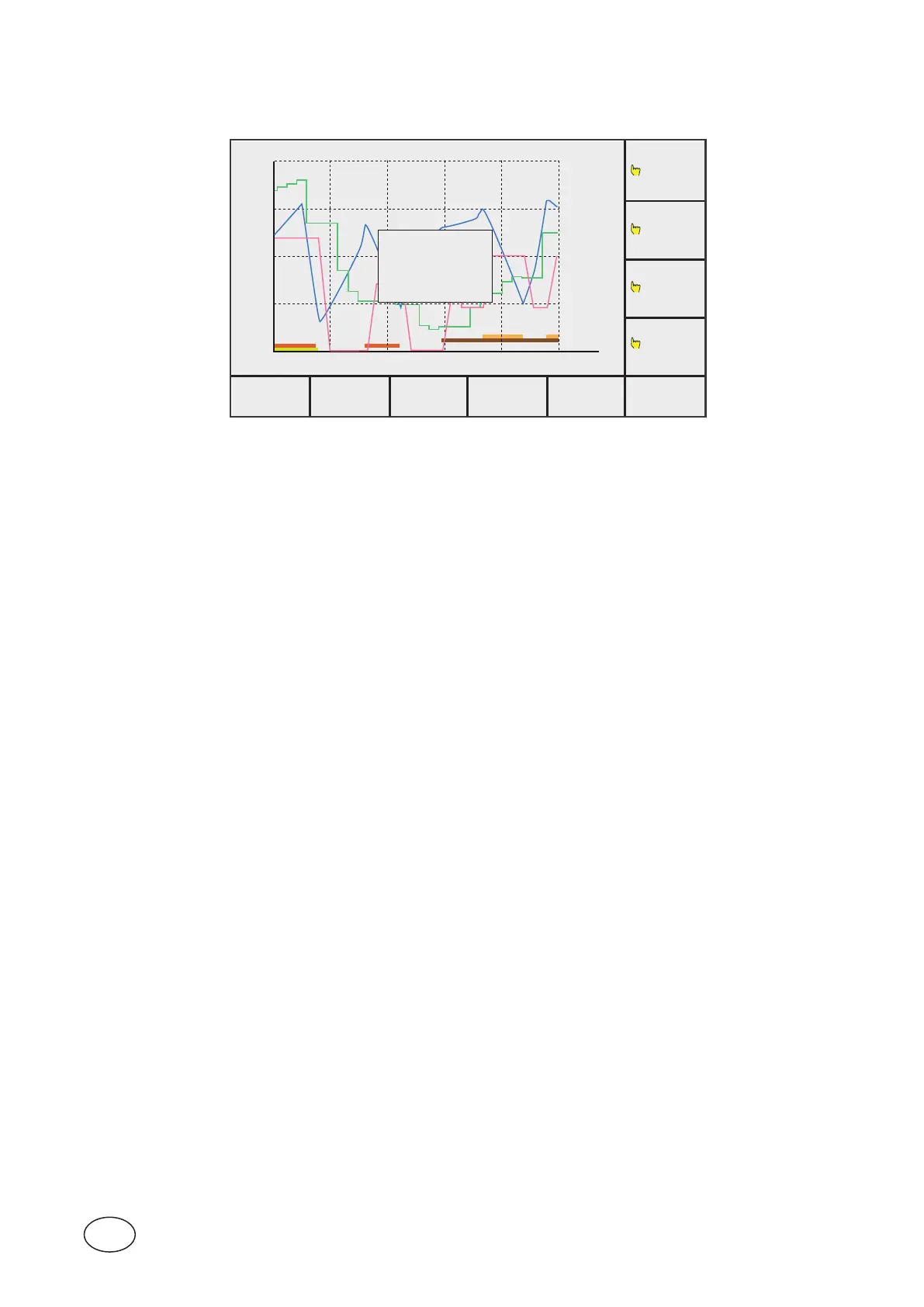
To get a presentation of the curve titles in the menu Trend curve,thenpushEnterthenyouhavetheTrend
curvepictureonthedisplay,thepicturewillappearwiththedescriptionasbelow:
MAIN STATUS SETTING TREND ALARM ACKN.
PUMP 4
PUMP 3
PUMP 2
PUMP 1
P3 P4
P1 P2
m
l/s
l/s
2
300
400
10
0
0
0
0
12:42:24 12:44:24 12:46:24
[Pit Level]
[Pit Inflow]
[Outflow]
[Closed]
Figure 1-8 DescriptionofthecurvesinTrend cur ve
The presentation will disappear after a few seconds.
One screen of Trend curves covers 300 samplings and that corresponds to 5 minutes in default settings of 1
second.



 To Next Page