81307063I
EN
69
5.14 Settings for analog inputs
Table5-12showsthecompletelistofsettingsyoucanmakeunderthesubmenu Analog Inputs.
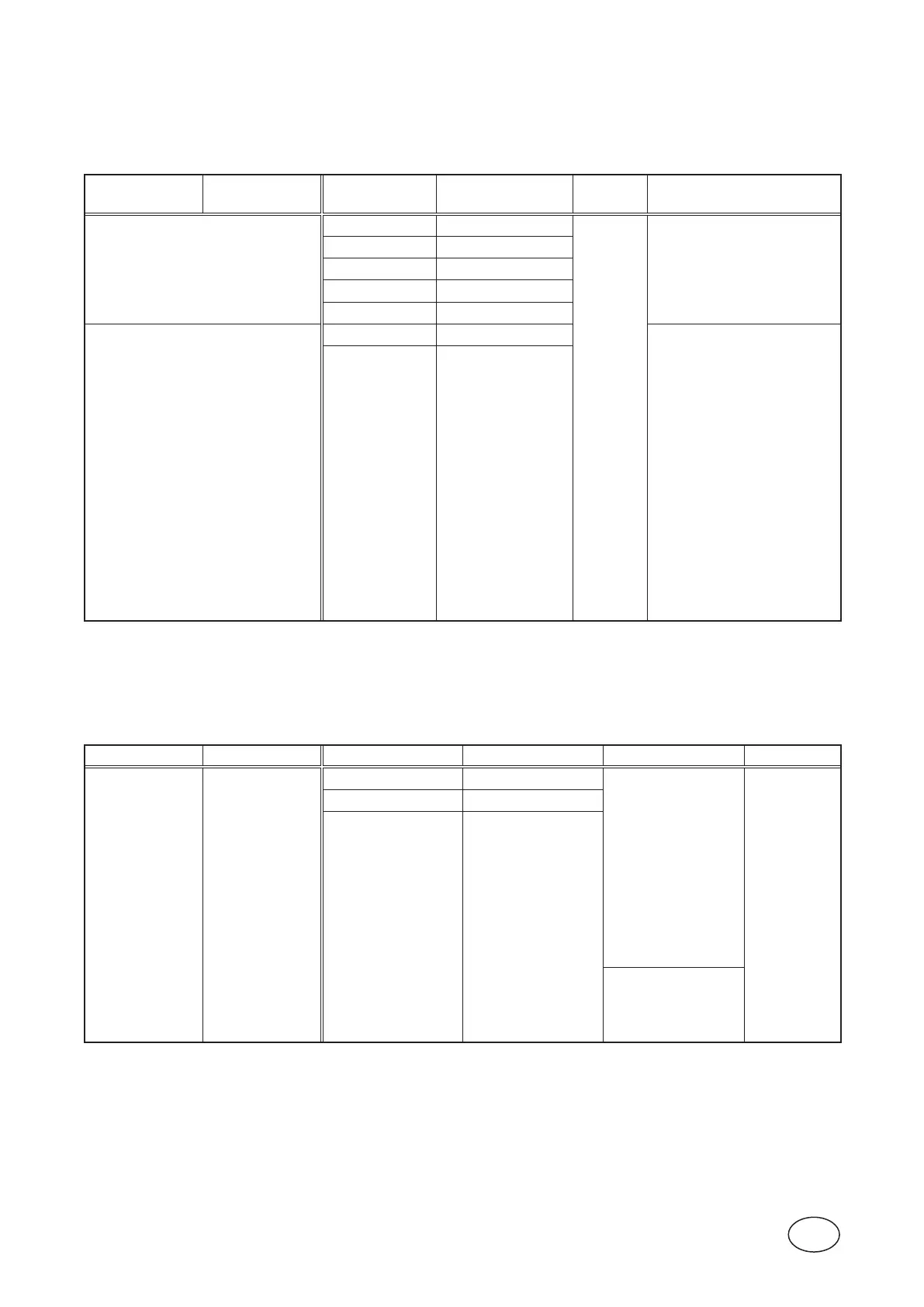
Table 5-12 Settings for analog
inputs,under‘Settings>AnalogInputs’
Submenu Submenu Setting Value Passcode Comment
Analog Input 1
Signal Range (4-20mA,0-20mA)
System
Dedicatedforthelevelsensor.
Filter Constant Seconds
Scaling0%= m,ft
Scaling100%= m,ft
ZeroOset m,ft
Analog Input 2
to
Analog Input 5
Filter Constant Seconds
If CA 442 is connected to a pump
the vibration input signal from CA
442 will be used instead of the
analog inputs in this menu.
If CA 443 is connected to a pump
the motor current from CA 443
will be used instead of the analog
inputs in this menu.
(NA=notavailable)
Input Function
(O FF,
NA,
Motorcurrentpump1,
Motorcurrentpump2,
Motorcurrentpump3,
Motorcurrentpump4,
Back-pressure,
Vibrations,
Freechoice,
Vibrationspump1,
Vibrationspump2,
Vibrationspump3,
Vibrationspump4,
XylemMiniCasSim.P1,
XylemMiniCasSim.P2,
XylemMiniCasSim.P3,
XylemMiniCasSim.P4)
Outowmeter
5.15 Settings for analog outputs
Table5-13showsthecompletelistofsettingsyoucanmakeunderthesubmenuAnalog Outputs.
Table 5-13 Settings for analog
outputs,under‘Settings>AnalogOutputs’
Submenu Submenu Setting Value Sub settings Passcode
PC 441
Main Module
Analog Output 1
Signal Range (4-20mA,0-20mA)
Scaling0%
Scaling100%
System
Filter Constant Seconds
Output Function
(O FF,
Pitlevel,
Pitinow,
Pitoutow,
Pitoverow,
Pulsechannel1,
Pulsechannel2,
Pulsechannel3,
Pulsechannel4,
PIDcontroller
DataRegister)
DataRegister0-4529
Scaling0%
Scaling100%
See Section 4.3



 To Next Page