81307063I
EN
72
5.18 Communication settings
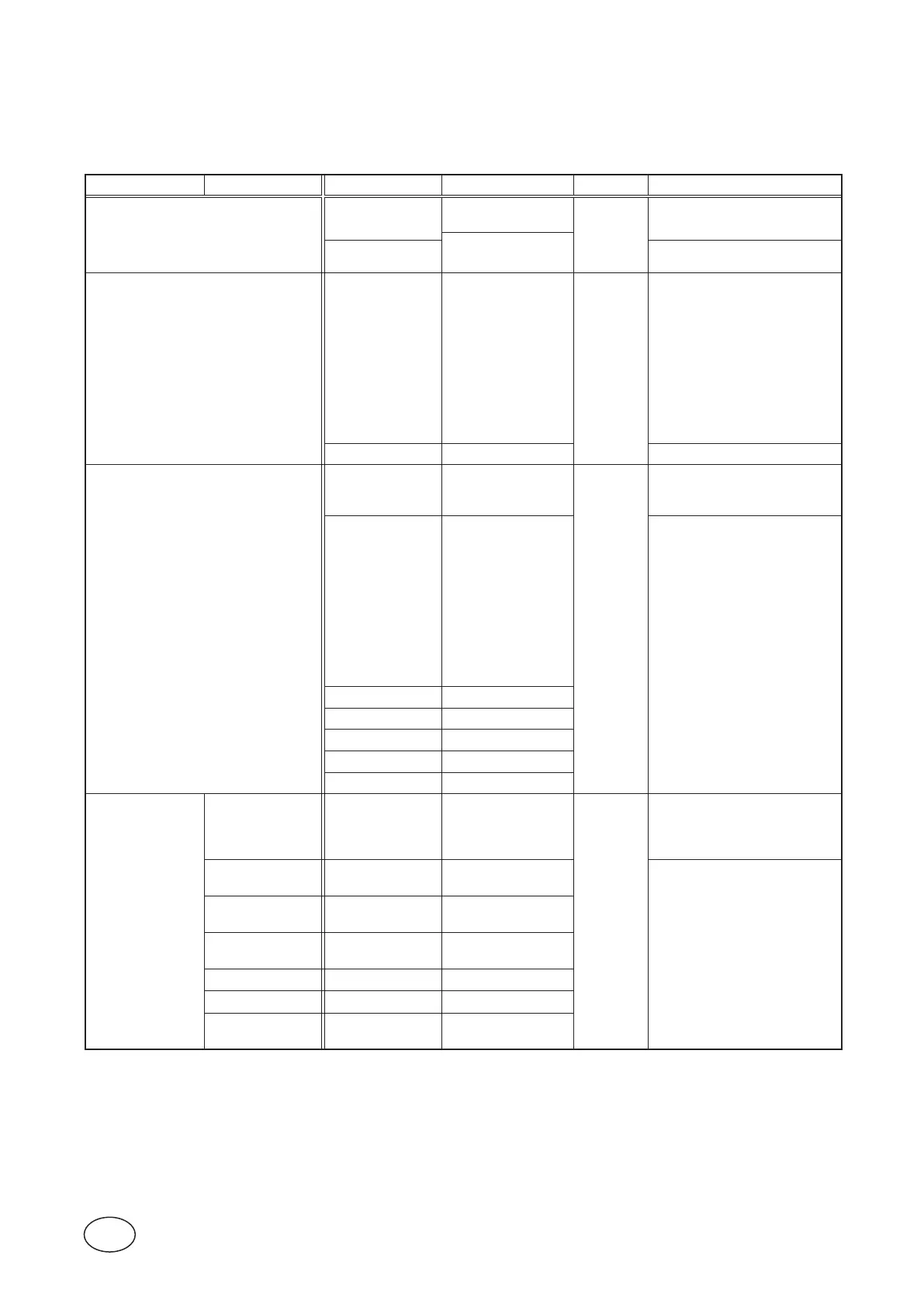
Table5-16showsthecompletelistofsettingsyoucanmakeunderthesubmenuCommunication.
Table 5-16 Communication settings
,under‘Settings>Communication’
Submenu Submenu Setting Value Passcode Comment
Protocol
Select Protocol
(Modbus,Comli,
Modbus TCP)
System
Protocol for both the ports and
the USB connections.
(ON,OFF)
Cross Refer-
ence Table
See Section 4.9
Service Port
Baudrate
(O FF,
300Baud,
600Baud,
1200Baud,
2400Baud,
4800Baud,
9600Baud,
19200Baud,
38400Baud,
57600Baud,
115200 Baud)
System
See Section 4.7.2
Comport Echo (OFF,ON) See Section 4.7.5
Com Port
Station Id Integer
System
Unique number for the sta-
tion needed for connection to
AquaWeb.
Baudrate
(O FF,
300Baud,
600Baud,
1200Baud,
2400Baud,
4800Baud,
9600Baud,
19200Baud,
38400Baud,
57600Baud,
115200 Baud)
See Section 4.7.1
Parity (None,Odd,Even)
Handshake (OFF,ON)
Protocol Id Integer
Message Time out Seconds
StationName String
Modem
- Modem Connected
(NO,AnalogModem,
GSMModem,GPRS
ModemCA521,FIX
IPTCPLISTEN)
System
Modemisnotneededforxed
line connections.
-
Signals Be-
fore Answer
Integer
See Section 4.7.4
-
HayesBe-
fore Calling
String
-
HayesAfter
Disconnect
String
- ModemPINCode String
- ModemPUKCode String
-
SMSC Service
CenterNo
String



 To Next Page