81307063I
EN
10
Communication parameters
• Fromthebasescreen,pressthekeyforSettingunderthedisplay,scrolldownbyusingthedownar-
rowkeytoCommunication and press Enter. Press enter again and select Protocol (Modbus/Comli/
ModbusTCP)andpressEnteratyourchoice.Pressleftarrowkeytogobacktotheleftpartofthe
screen. Use the down arrow to Com port and press Enter. Select Station ID,PressEnter.Typein
yourStation IDbyusingnumeralkeysorup/downarrowkeys,requiredforAquaWeboranyother
surveillancesystem.SelectBaudrate,Parity and Handshake.Usetheleftarrowkeytogobackto
the left part of the screen and select Service port,pressEnter.SelectBaudrate for the service port.
• Selectmodemtype
Nowit’spossibletoconnecttoAquaProgthroughserviceportorUSB.
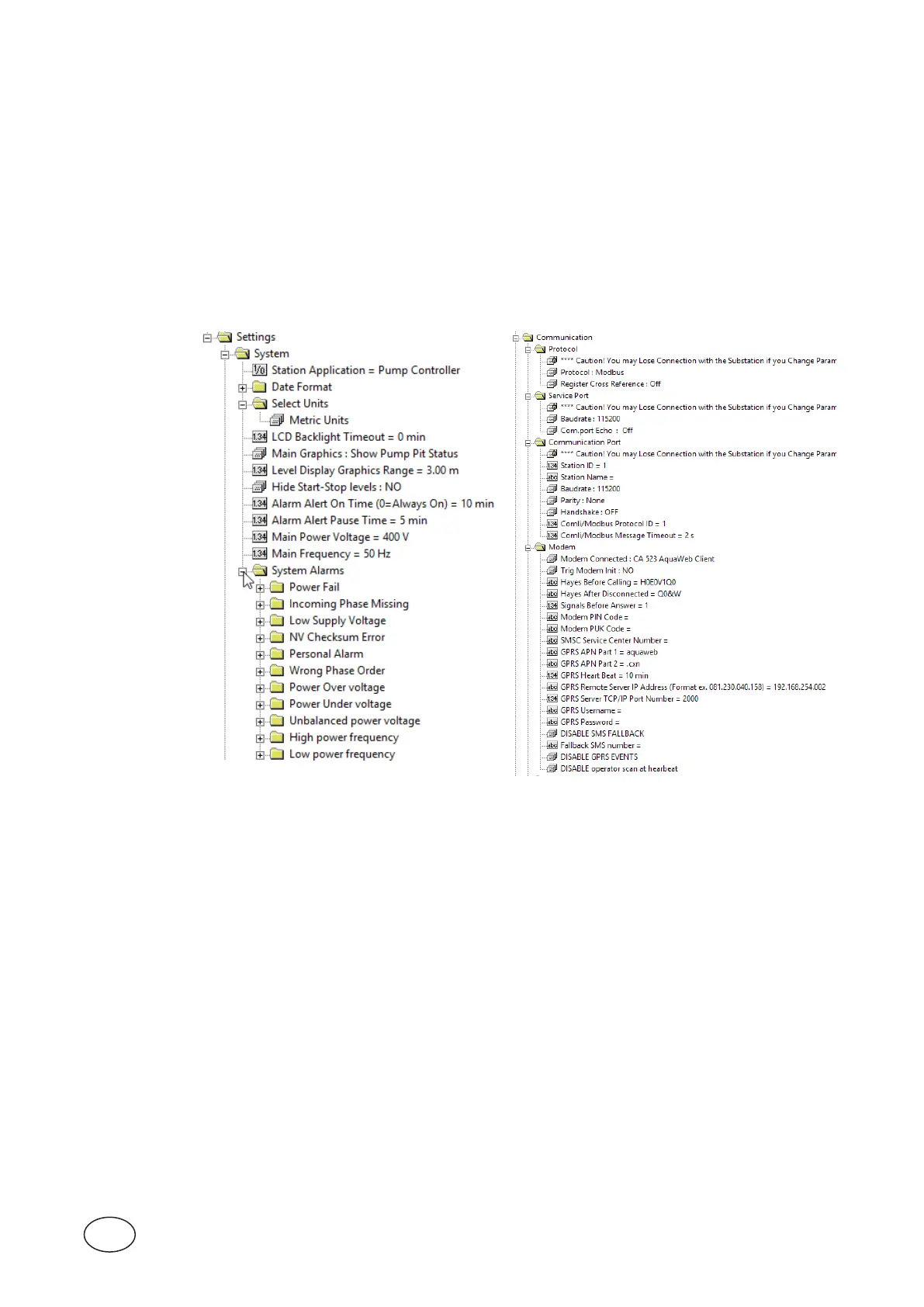
In AquaProg:
Figure 2-2 Communication
Figure 2-1 Systemsettings



 To Next Page