3-2
Cleaning V-grooves
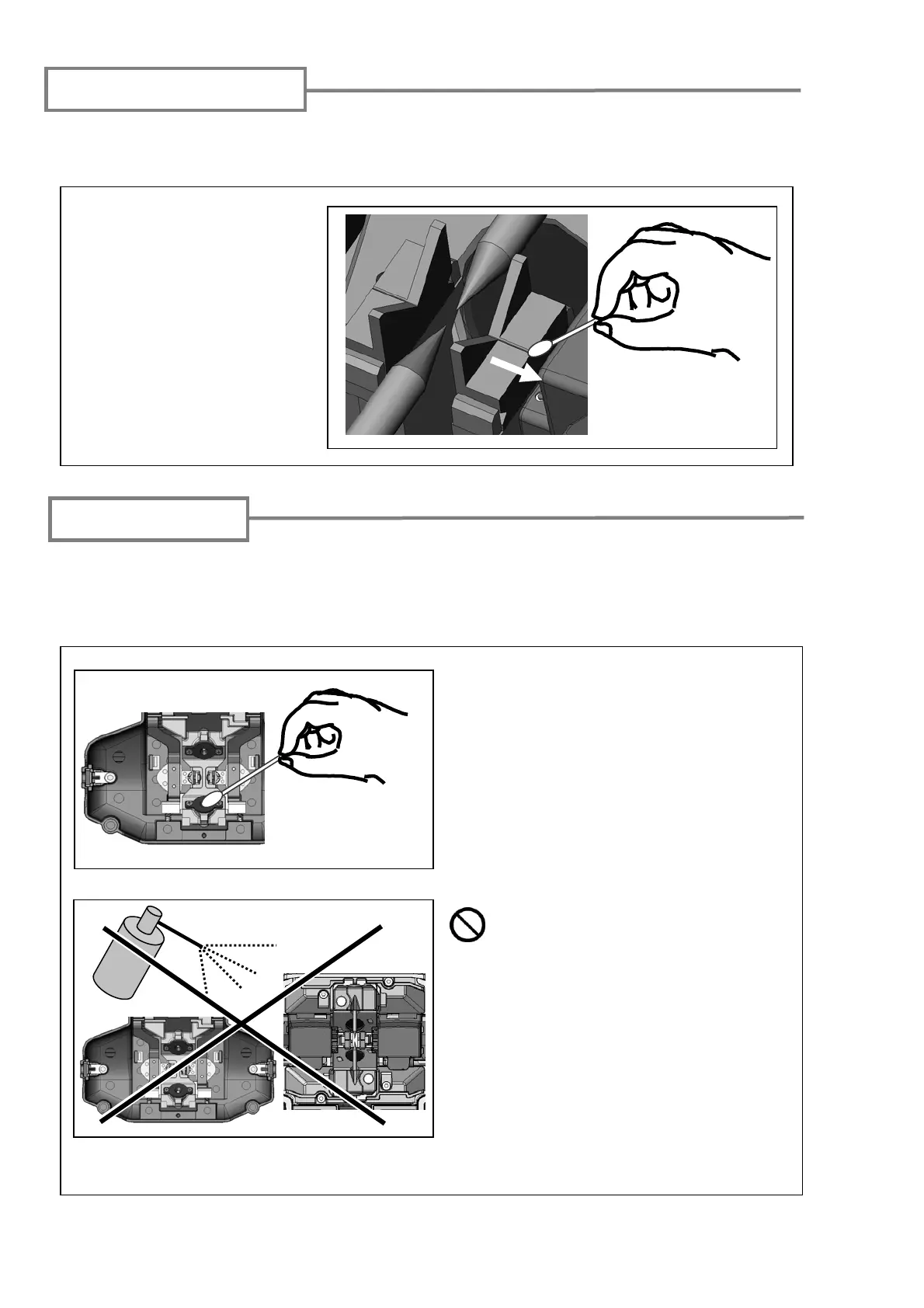
Even tiny bits of dust or dirt in the V-grooves might cause the fiber to be offset. To avoid
offset, carefully clean the V-grooves with a cotton swab moistened with alcohol.
1: Prepare a cotton swab
moistened with alcohol.
2: Brush the surface of the
V-grooves in the direction
of the arrow.
When a LED surface dirty, a fiber image is unclear, resulting in imperfect image
processing. If the display is uneven or LED error occurs, clean them with a cotton swab
moistened with alcohol.
Cleaning LEDs
1: Prepare a cotton swab moistened with
alcohol and wipe the surface of LED lightly.
Prohibition
Do not use a canned air for cleaning.
Chemical reaction may deteriorate the
LED, resulting in a loss of splicing
capability.
2: Use a dry cotton swab to wipe off any
excess alcohol.



 To Next Page