3-3
Cleaning bare fiber pads
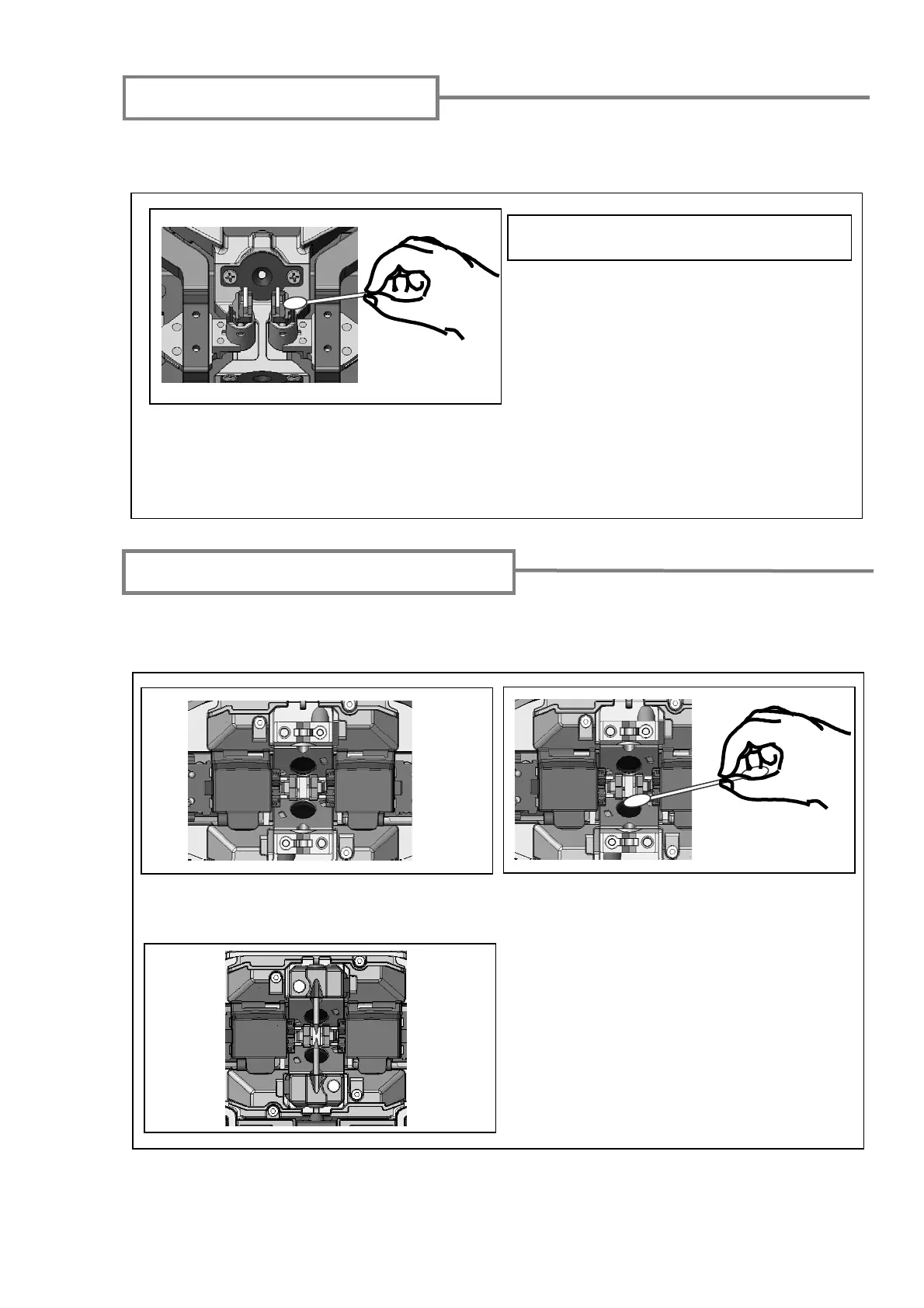
Cleaning lens protection glass
If an unclear fiber image is still displayed or LED error occurs again after cleaning
LEDs, clean the lens protection glass.
1: Remove the electrodes, referring to the
“Replacing electrodes”.
2: Prepare a cotton swab moistened with
alcohol.
3: Gently wipe the lens protection glass in a
circular motion.
4: Use a dry cotton swab to wipe off any
excess alcohol.
5: Re-fit the electrodes.
6: Perform an arc test.
Dirt on a bare fiber pad will also cause the fiber to be offset. When fiber offset occurs,
clean the bare fiber pad.
1: Prepare a cotton swab moistened with alcohol and wipe the surface of bare fiber pads.
2: Use a dry cotton swab to wipe off any excess alcohol.
Do not apply too much force when cleaning.



 To Next Page