4-14
Software download via internet
By accessing to the URL below and getting a maintenance application,
customers can upgrade newest software via internet. For further
information, please access to the URL and refer to the manual.
http://www.rim-plus.sei.co.jp/
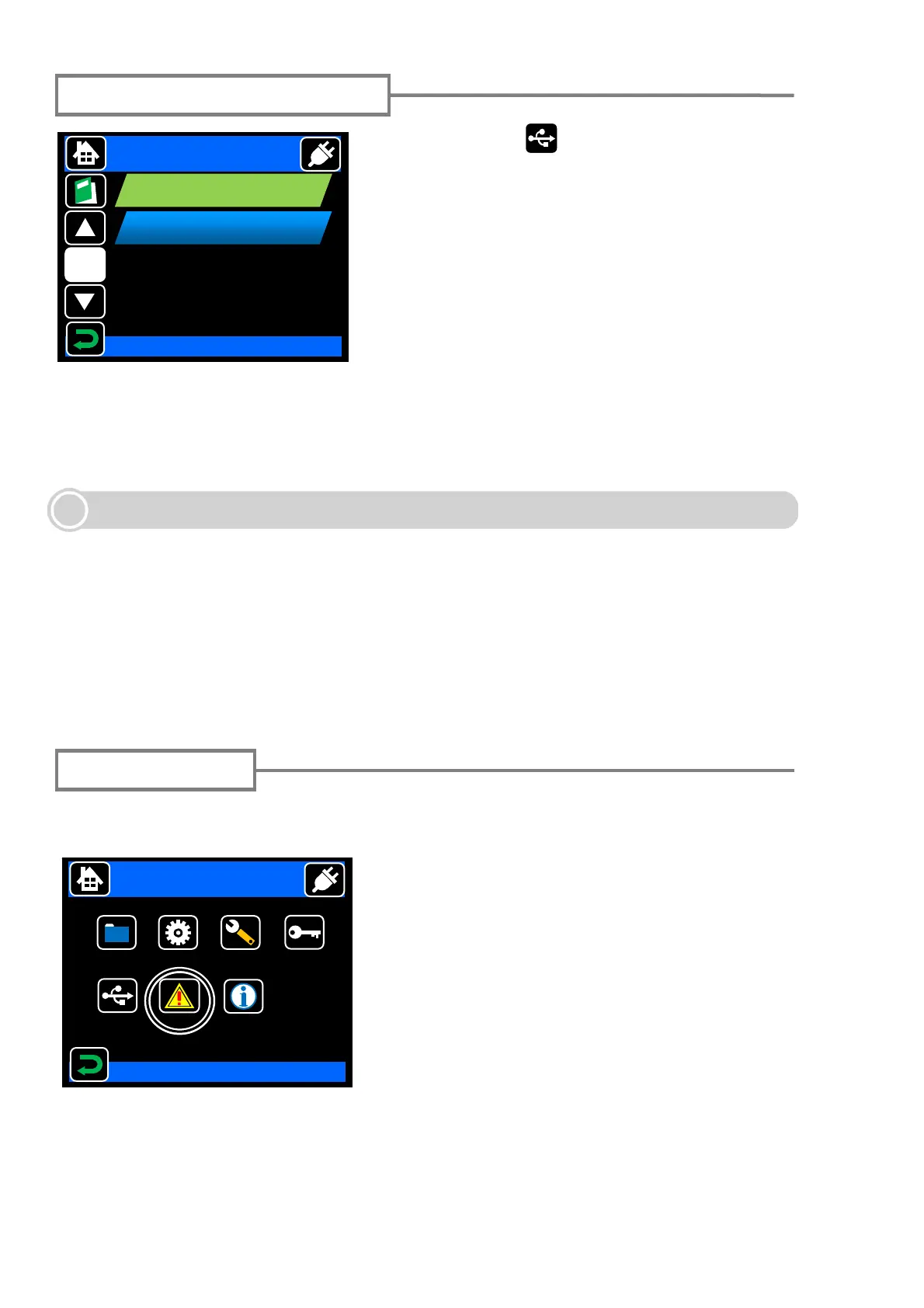
Touch USB icon ( ) in the menu screen to go
to the USB mode screen. The following functions
can be used by connecting TYPE-71C with the
PC via USB cable, and selecting each item.
<removable disk>:
The data of the SD card can be read and written
from the PC by selecting this item with the SD
card inserted in the SD card slot.
<Remote Diagnosis>:
Select this item when TYPE-71C is connected
with the PC for the Internet maintenance.
USB connection function
USB Mode
1/1
removable disk
SMF Quick
Remote Diagnosis
Select Item
Login function
By inputting the pass code, the expanded functions for the administrator can be used.
Please refer to "Administrator menu operation instructions" for details.
Select Item
Menu
Splice
Data
Maintenance
Security
Function
USB
Login
2011/01/01 00:00
DATA
Information



 To Next Page