4-2
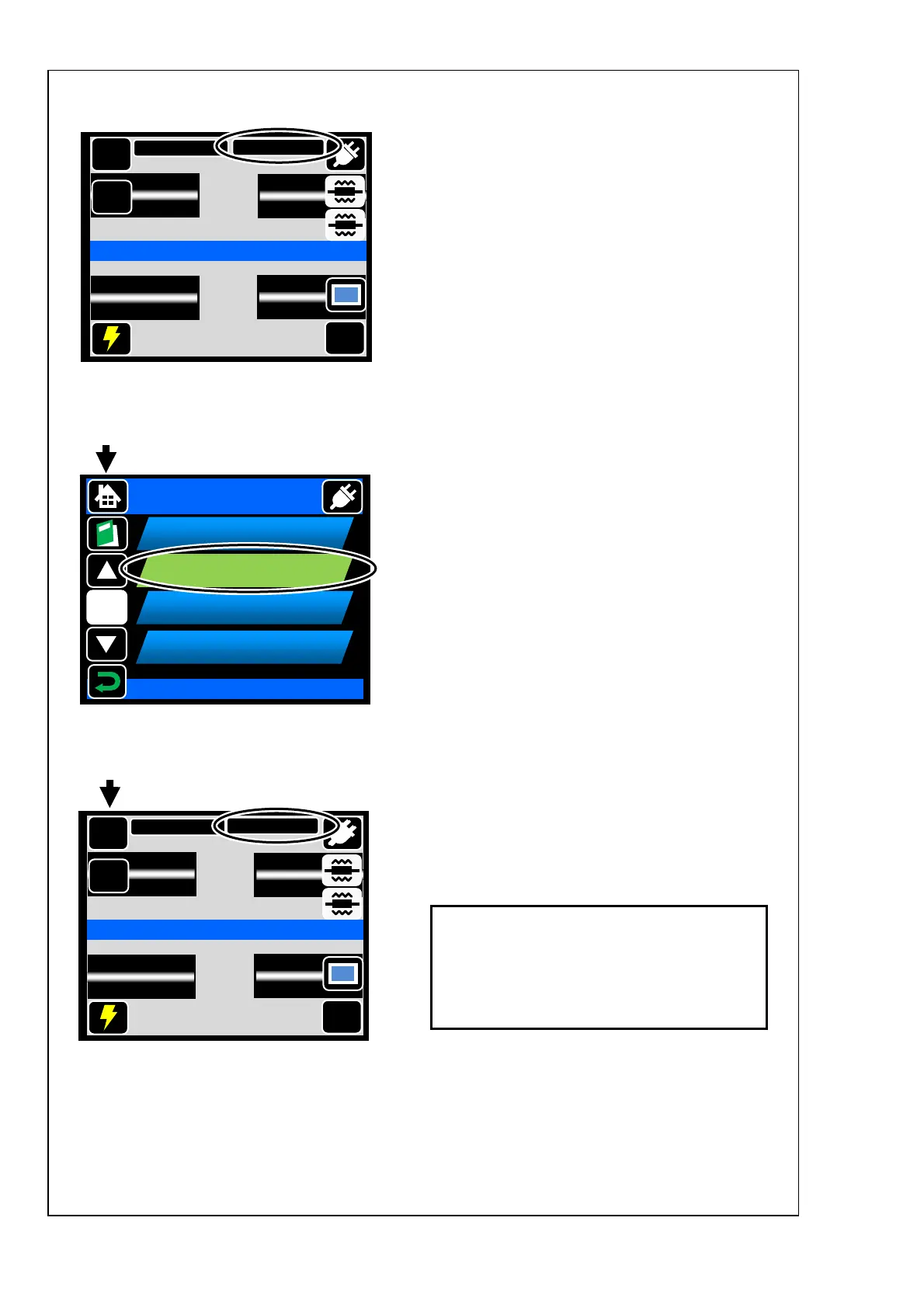
Heater program is changed.
Touch heater program icon once.
The icon will expand. Then touch it
again.
Touch heater program once. The
icon will change its color. Then touch
it again to determine selection.
<Heater program setting>
For the details of heater programs, refer to
page 4-5.
If you would like to change heater program
parameters, refer to page 4-6.
MENU
Start
Ready
X/Y
DISP
SM G652 Std.
60mm 0.25
MENU
Start
Ready
X/Y
DISP
SM G652 Std.
40mm 0.25
Select Heater Program
Heater Program
1/5
60mm 0.25
001
40mm 0.25
002
60mm Thin
003
004
40mm Thin



 To Next Page