Basic operation 2-1
2 BASIC OPERATION
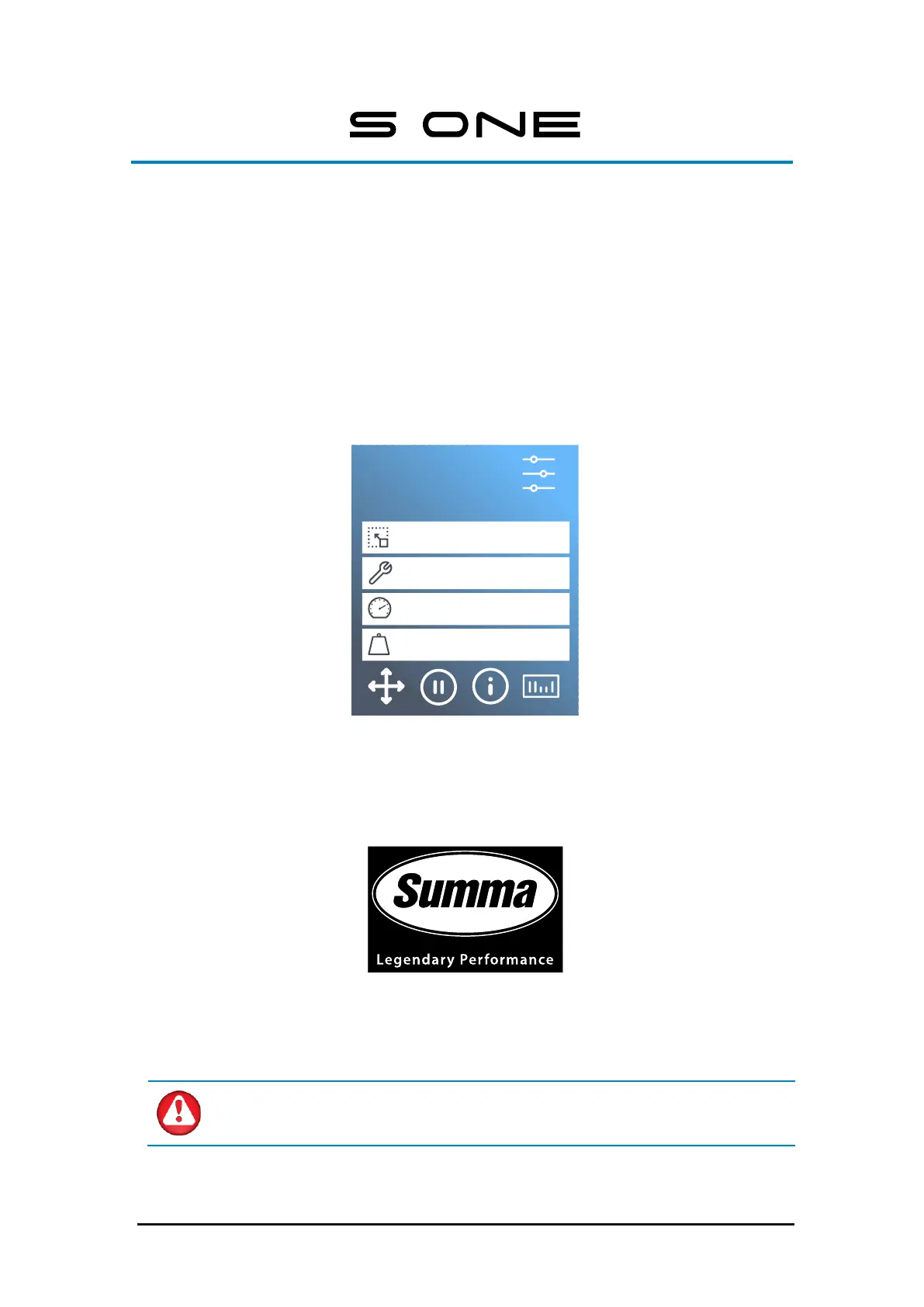
The touch screen is a unique interface system. It provides detailed information on the cutter
status and offers more flexible and powerful configuration control. In addition to the status
messages and/or menu options displayed on the touch screen, symbols can be tapped to
change menu items or to change the value for a particular submenu/parameter.
FIG 2-1
2-1 TOUCHSCREEN
There is also a screen saving feature. After a certain amount of time, the screen goes blank
and this logo appears on the screen.
FIG 2-2
2-2 SCREEN SAVER
Touching the screen once disables the screen saver.
WARNING: Each keystroke can initiate an internal test or movement of the head
or media. Keep fingers and other body parts away from the cutting area. There are
hazardous moving parts.



 To Next Page