S 0ne User’s Manual
Detailed operation 4-9
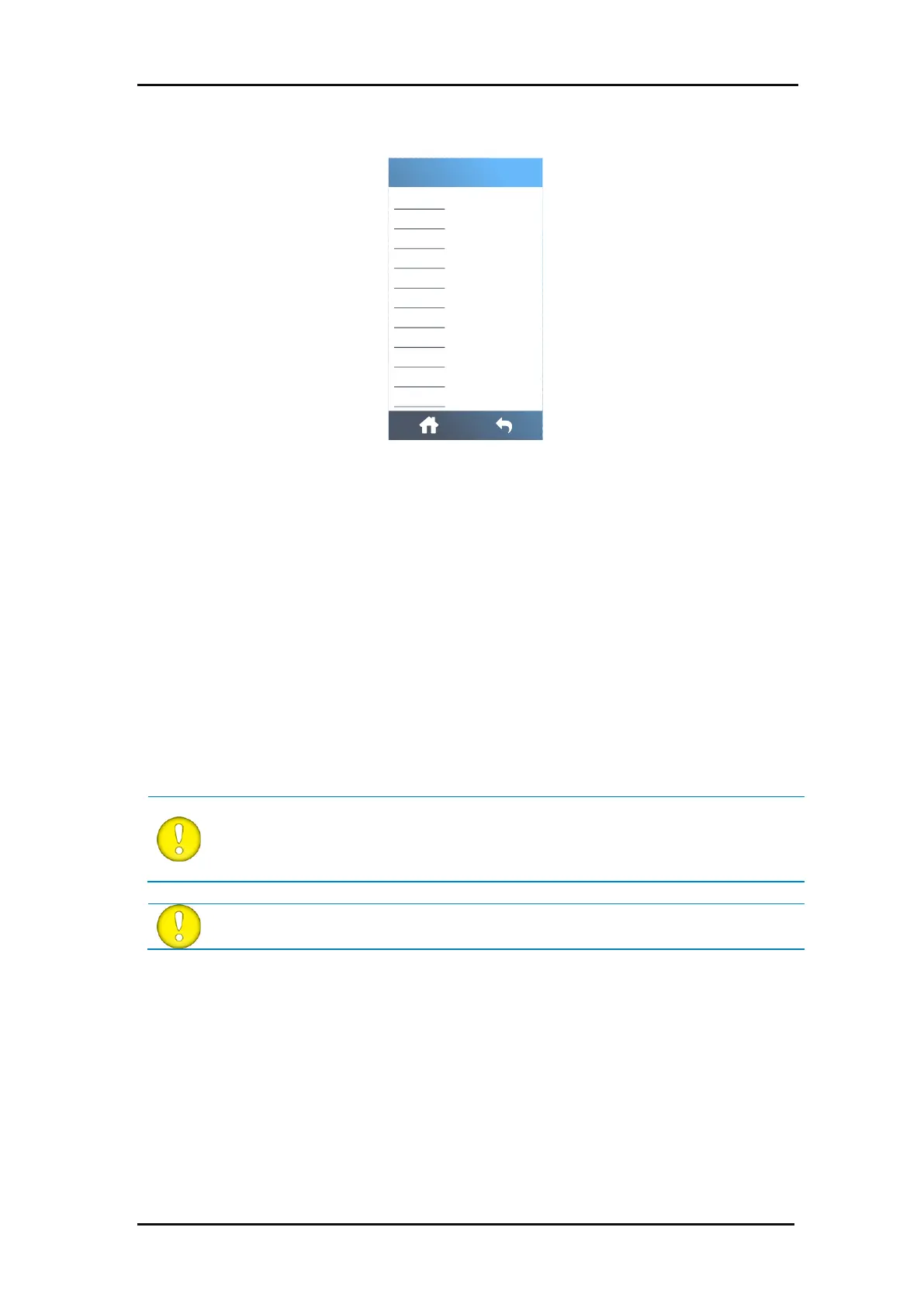
FIG 4-8
4-8 SETTINGS MENU
When connecting a cutter to Ethernet, a number of parameters must be set in this menu. This
is explained in section 1.4.2.
Wi-Fi setup is explained in section 1.4.3.
This parameter can be set to USB port 1, USB port 2, USB port 3, or USB port 4. Because of
the different USB IDs, the computer can make a distinction between several cutters connected
to it (maximum 4).
ATTENTION: The USB ID in the cutting software must be the same as the selected
USB ID in the cutter. Each time a new USB port is selected on the cutter and
connected to the computer for the first time, Windows will launch a wizard to install
a driver.



 To Next Page