S One User’s Manual
OPOS 3-11
8. Perform the cutting job on the first sheet.
9. The cutter will stop after the first contour has been cut and will come online again.
10. Raise the pinch rollers and remove the sheet manually.
11. Insert the next sheet into the cutter. Lower the pinch rollers.
NOTE: The second and subsequent sheets must be loaded into the cutter with the
same position and orientation as the first sheet. When in OPOS sheet mode, the
cutter stores the distance between the edges of the sheet and the first OPOS
mark.
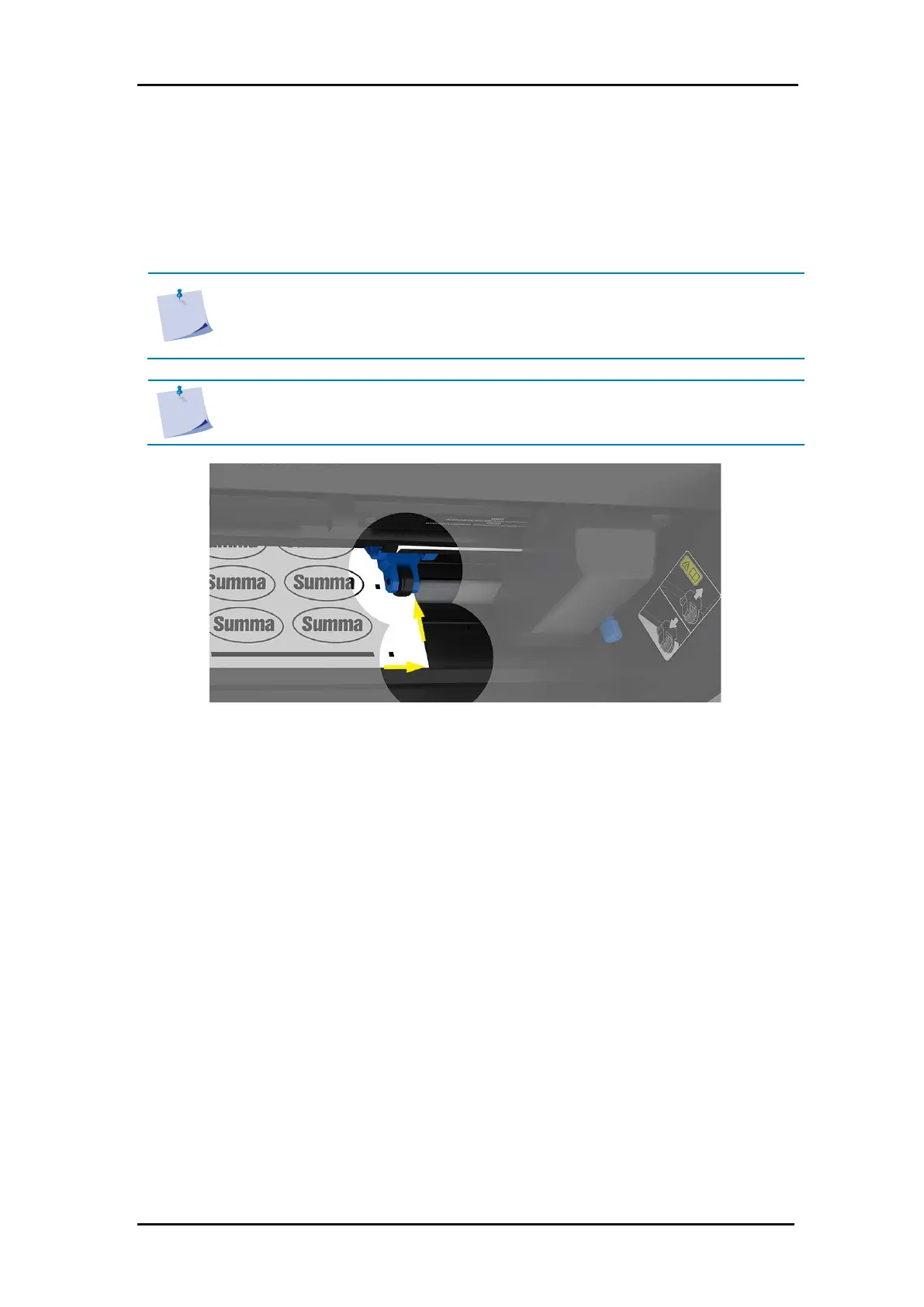
NOTE: Use easy reference points for quick positioning of the sheet. In the figure
below, an edge of the base plate and the side of the pinch roller assembly are
used to align the sheets.
FIG 3-4
3-4 POSITIONING THE MEDIA FOR MULTIPLE SHEETS



 To Next Page