Service Manual SummaSign
5. Caution:
6. DO NOT USE THE SYSTEM TESTS MARKED “FACTORY USE ONLY”. BE
EXTREMELY CAREFUL WHILE IN THAT MODE AND FOLLOW GIVEN GUIDELINES TO
THE LETTER
.YOU CAN INFLICT SERIOUS DAMAGE BEYOND REPAIR TO THE
MACHINE
IF THE WRONG PARAMETERS ARE CHANGED.
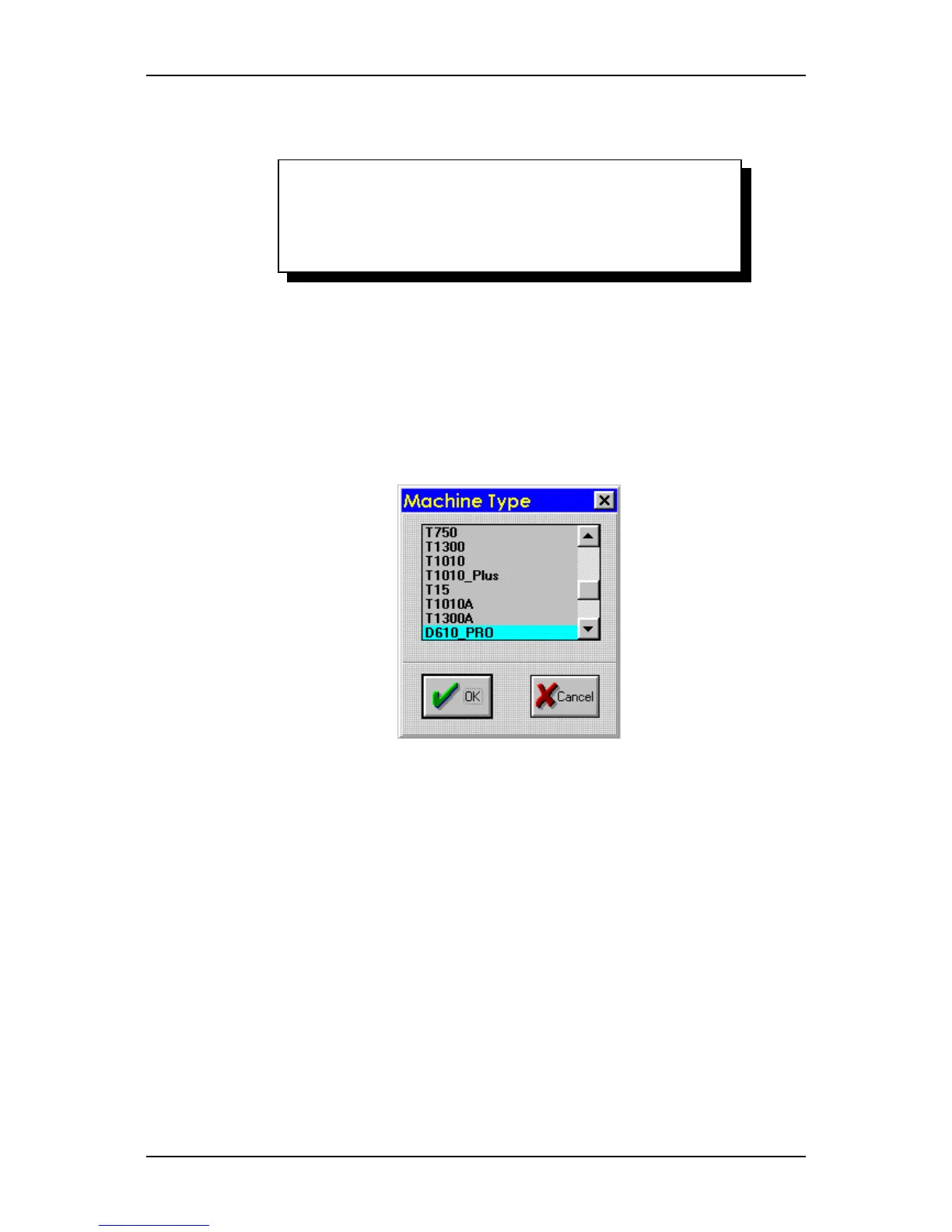
3.Select "Setup machine" in the list of system tests and choose the correct model
type.
via computer:
1. Start the summa cutter control program
2. press “Alt”, “Ctrl, “Shift” and “m”
3. Choose the right machine type and click “OK”.
Calibration 4-3




 To Next Page