SummaSign Service Manual
MEDIA CALIBRATION
The unit has to be recalibrated when :
a drum has been replaced
the camrollers have been replaced
the PCB has been replaced or defaulted
!NOTE!
One of the characteristics of a drum driven machine is that different
thicknesses of media give different results while calibrating in the x-
direction. So if a high accuracy is needed, the unit has to be
recalibrated when different thicknesses of material are used.
However, recalibrating is not needed for normal usage.
Calibration:
Load media in the machine (the wider the media, the more accurate the calibration).
Start the SummaCutter Control program.
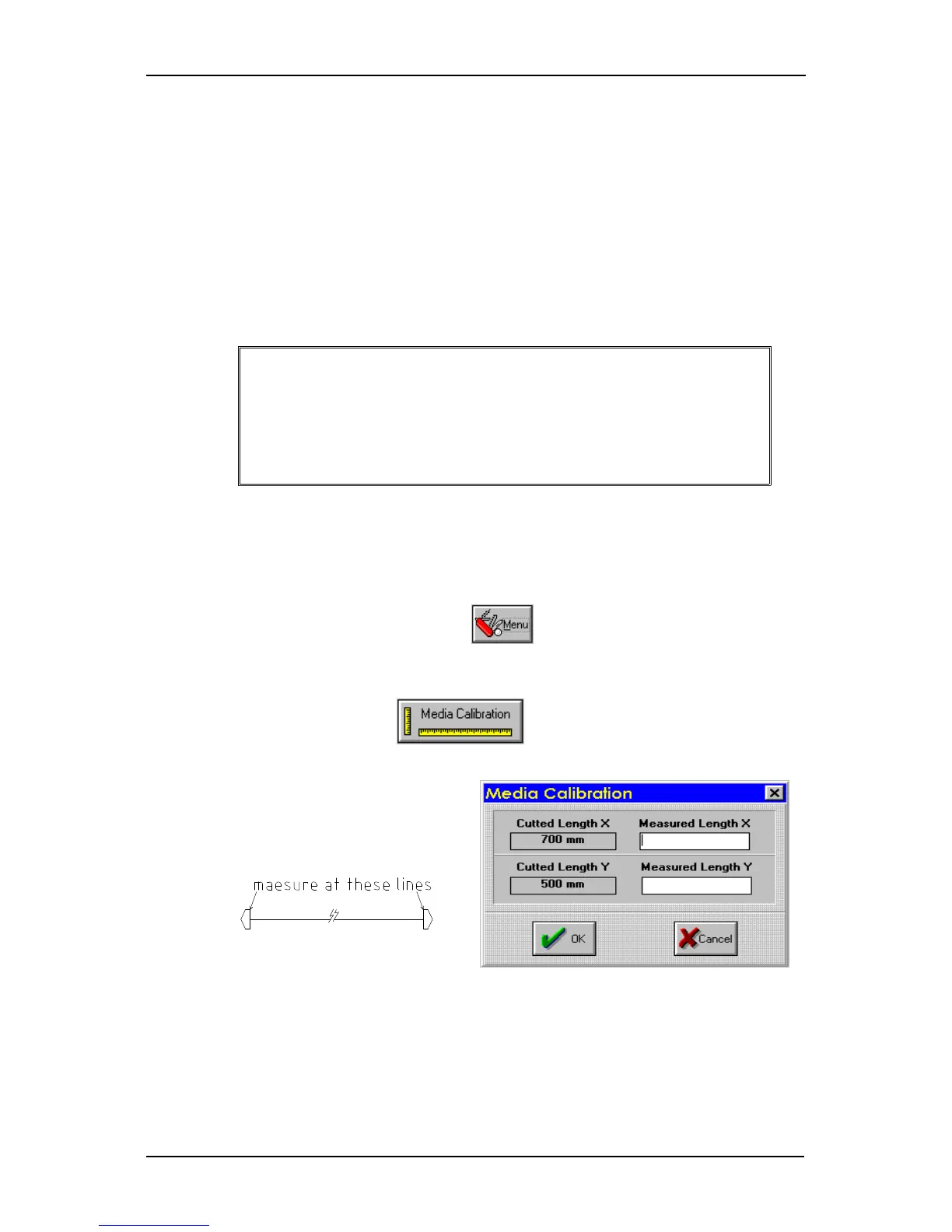
Select “Menu”.
Select “Media Calibration”.
Measure the test pattern and enter
the measurementsit in the
dialogue box.
Switch the machine on and off so that the new calibration parameters will come into
effect (the borders will also be corrected).
4-4 Calibration




 To Next Page