Service Manual SummaSign series Cutters
The key (ON LINE) toggles between on line and off line operation. When the key
is pressed, the selected mode (ON LINE or OFF LINE) is displayed on the LCD.
Selecting OFF LINE will suspend all operations in progress. Pressing the
key while
the cutter is off line will make the cutter go on line again, resuming the suspended
operation.
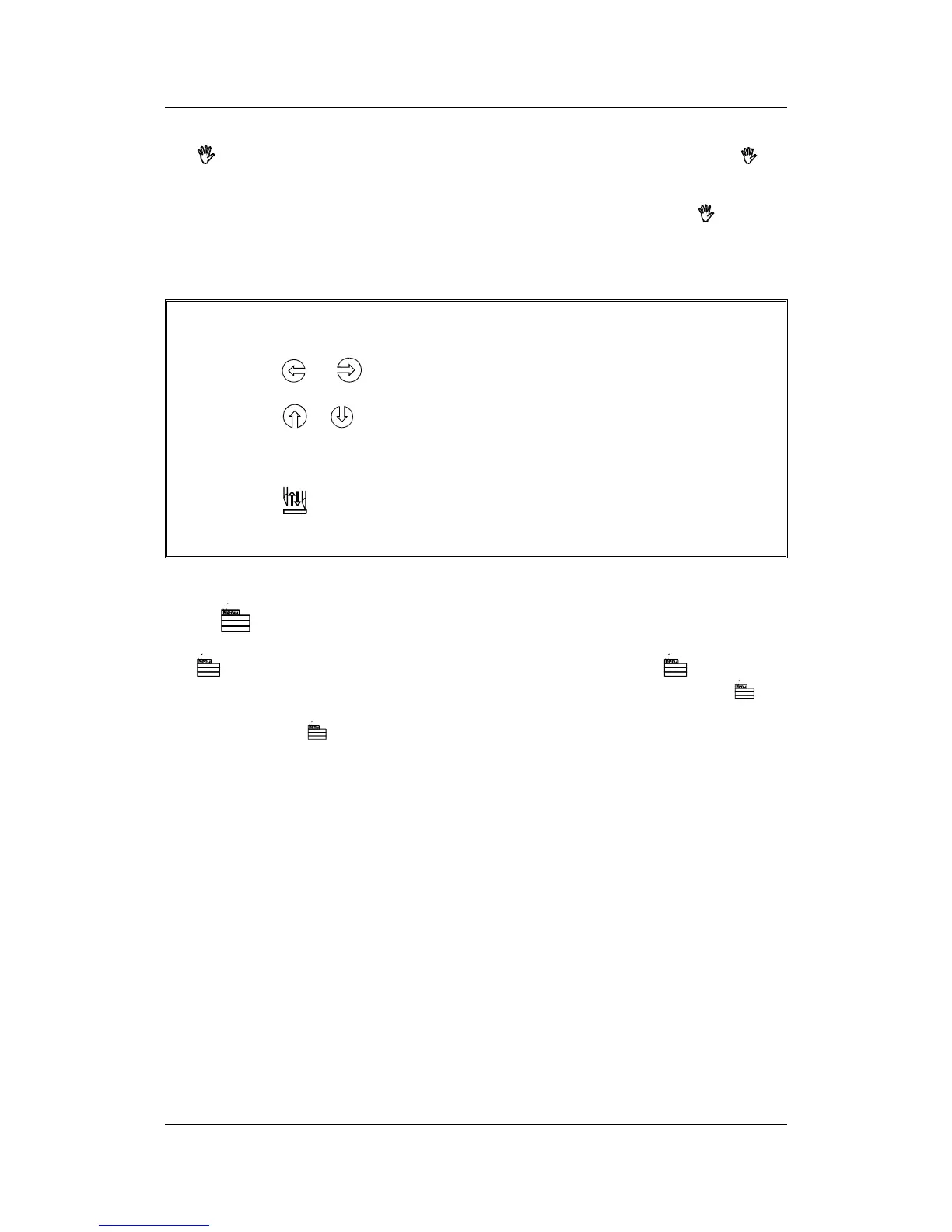
While the cutter is off line, the following operations can be performed:
Press the
or jogging key to move the tool carriage to the left or right.
Press the
or jogging key to make the media move forward (towards you)
or backward (away from you). Moving the media forward will prove to be very
practical when you require to cut the finished sign off manually.
Press the
key (TOOL UP/DOWN) to lower or raise the active tool. If the tool
is not moved for approximately eight seconds, it is raised automatically.
The MENU Key
The
key (MENU) is used to select one of the menus. Pressing the key will make
the cutter go off line and suspend all operations in progress. Pressing the
key
repeatedly will display the different menus one by one. As the menu options are on a
loop, pressing the
key when the last option is displayed will automatically return
you to the first option.
Keyboardcontrols 1-3




 To Next Page