68
In addition to viewing the WLAN configuration and App software version, the MMoorree
screen supports the following operations:
• Set parameters including inverter system parameters, operation parameters, power
regulation parameters and communication parameters.
• Upgrade inverter firmware.
7.9.1 System Parameters
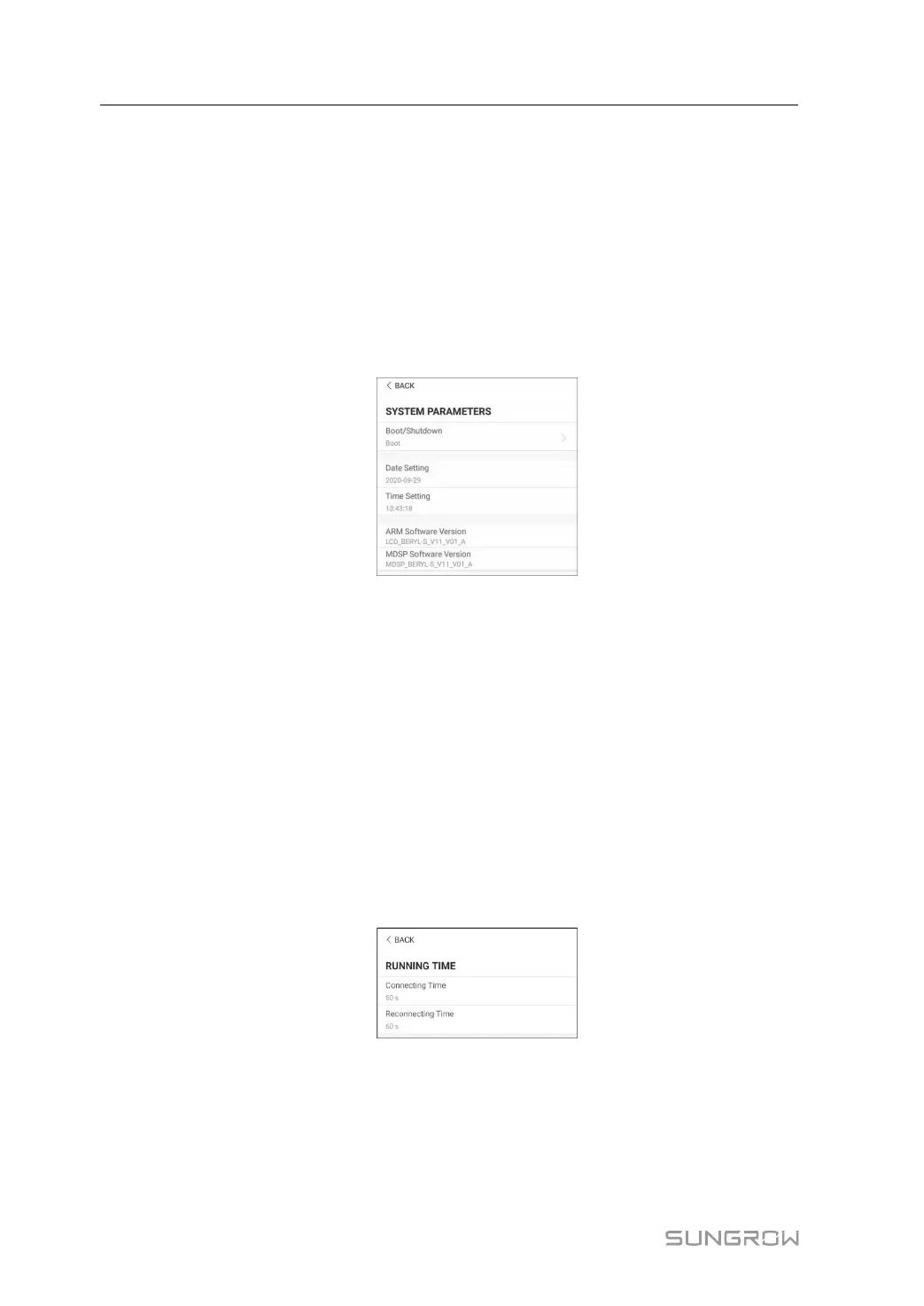
Tap SSeettttiinnggss→→SSyysstteemm PPaarraammeetteerrss to enter the corresponding screen, as shown in the
following figure.
FFiigguurree 77--1133 System Parameters
BBoooott//SShhuuttddoowwnn
Tap BBoooott//SShhuuttddoowwnn, on which boot/shutdown instruction can be sent to the inverter.
For Australia and New Zealand, when the DRM state is DRM0, the "Boot" option will be
prohibited.
DDaattee//TTiimmee
The correct system time is very important. Wrong system time will directly affect the
data logging and power generation value. The clock is in 24-hour format.
7.9.2 Operation Parameters
RRuunnnniinngg TTiimmee
Tap SSeettttiinnggss→→OOppeerraattiioonn PPaarraammeetteerrss→→RRuunnnniinngg TTiimmee to enter the corresponding
screen, on which you can set "Connecting Time" and "Reconnecting Time".
FFiigguurree 77--1144 Running Time
PPIIDD PPaarraammeetteerrss
Tap SSeettttiinnggss→→OOppeerraattiioonn PPaarraammeetteerrss→→PPIIDD PPaarraammeetteerrss to enter the corresponding
screen, on which you can set "Connecting Time" and "Reconnecting Time".
7 iSolarCloud App User Manual



 To Next Page