79
AAllaarrmm IIDD AAllaarrmm NNaammee CCoorrrreeccttiivvee MMeeaassuurreess
019
Smart Energy
Meter
communication
error
1. Check whether the Smart Energy Meter
communication cable and terminal are abnormal. If
so, remove the corresponding abnormity.
2. Reconnect the Smart Energy Meter
communication cable.
3. If the alarm persists, contact SUNGROW.
063
System alarm
The inverter can operate normally.
1. Check whether the related cable connection and
terminals are abnormal, and check whether the
ambient environment is abnormal. If so, take
corrective measures.
2. If the alarm persists, contact SUNGROW.
064
System fault
1. Wait for the inverter to recover.
2. Disconnect the AC and DC switches or circuit
breakers, and connect them again after 15 minutes.
3. If the alarm persists, contact SUNGROW.
9.2 Maintenance
9.2.1 Maintenance Notices
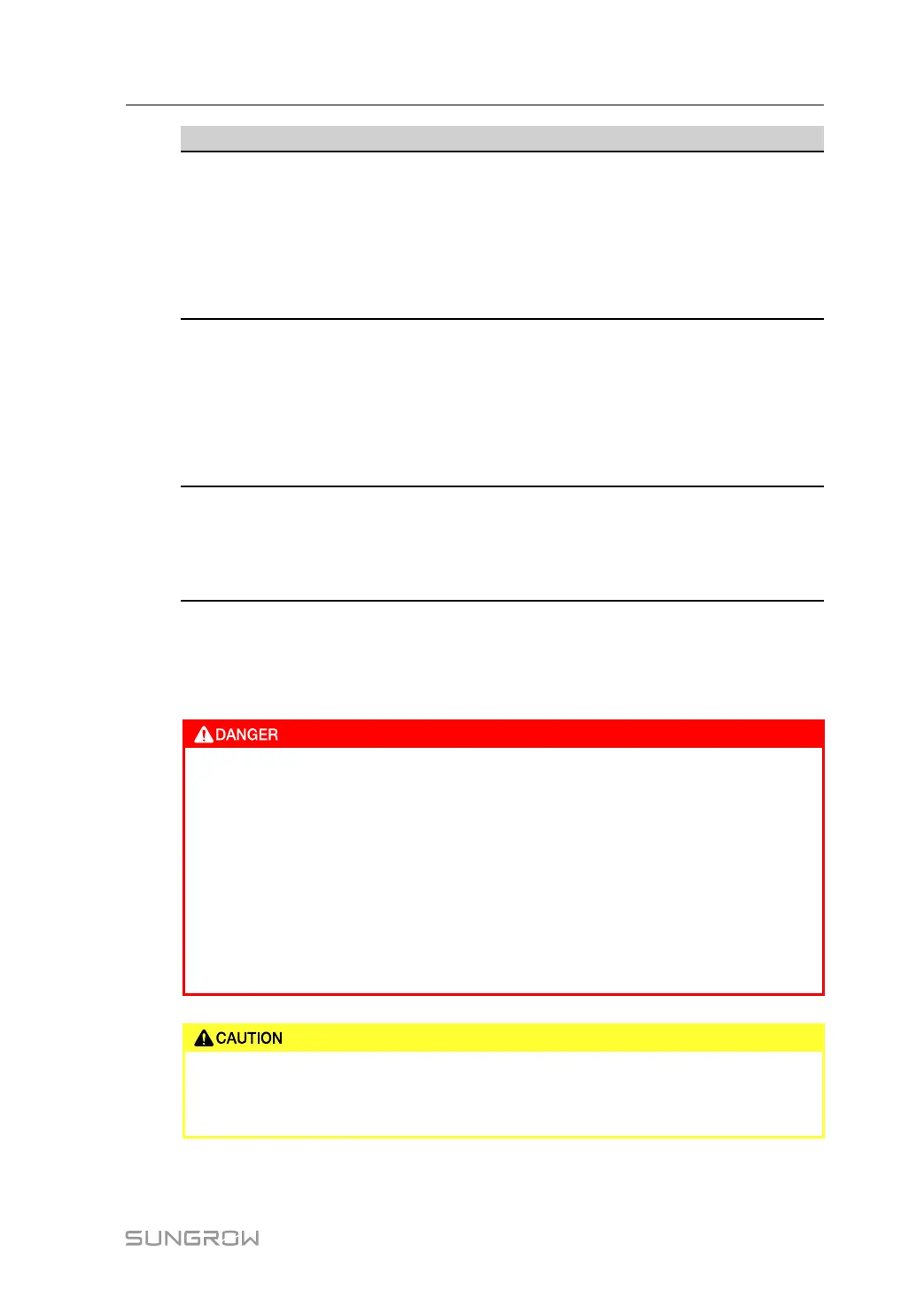
Risk of inverter damage or personal injury due to incorrect service!
• Always keep in mind that the inverter is powered by dual sources: PV strings
and utility grid.
Before any service work, observe the following procedure.
• Disconnect the AC circuit breaker and then set the DC load-break switch of
the inverter to OFF;
• Wait at least 10 minutes for inner capacitors to discharge completely;
• Verify that there is no voltage or current before pulling any connector.
Keep non-related persons away!
A temporary warning sign or barrier must be posted to keep non-related
persons away while performing electrical connection and service work.
User Manual 9 Troubleshooting and Maintenance



 To Next Page