39
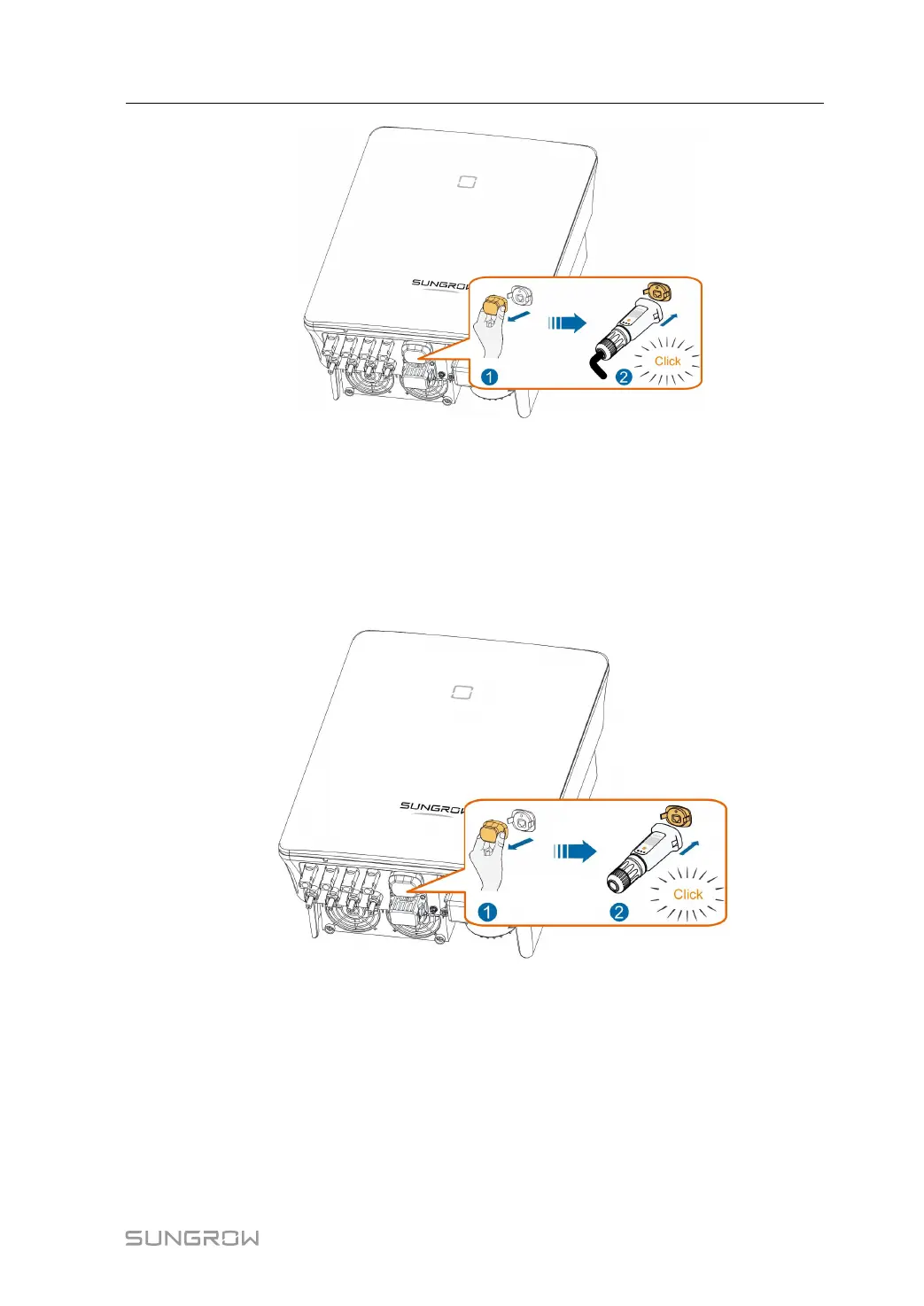
Step 8 Slightly shake it by hand to determine whether it is installed firmly.
-- -- EEnndd
5.7.2 WLAN Communication
Step 1 Unscrew the waterproof lid from the CCOOMM11 terminal.
Step 2 Install the module. Slightly shake it by hand to determine whether it is installed firmly, as
shown below.
Step 3 Refer to the guide delivered with the module for the configuration.
-- -- EEnndd
5.8 Meter Connection
The Meter (A2, B2) terminals are designed to connect to the Smart Energy Meter for the
feed-in power function.
User Manual 5 Electrical Connection



 To Next Page