72
copy the upgrade package to the directory DDooccuummeenntt→→uuppddaattee. If the uuppddaattee
folder does not exist, please create it manually.
UUppggrraaddee
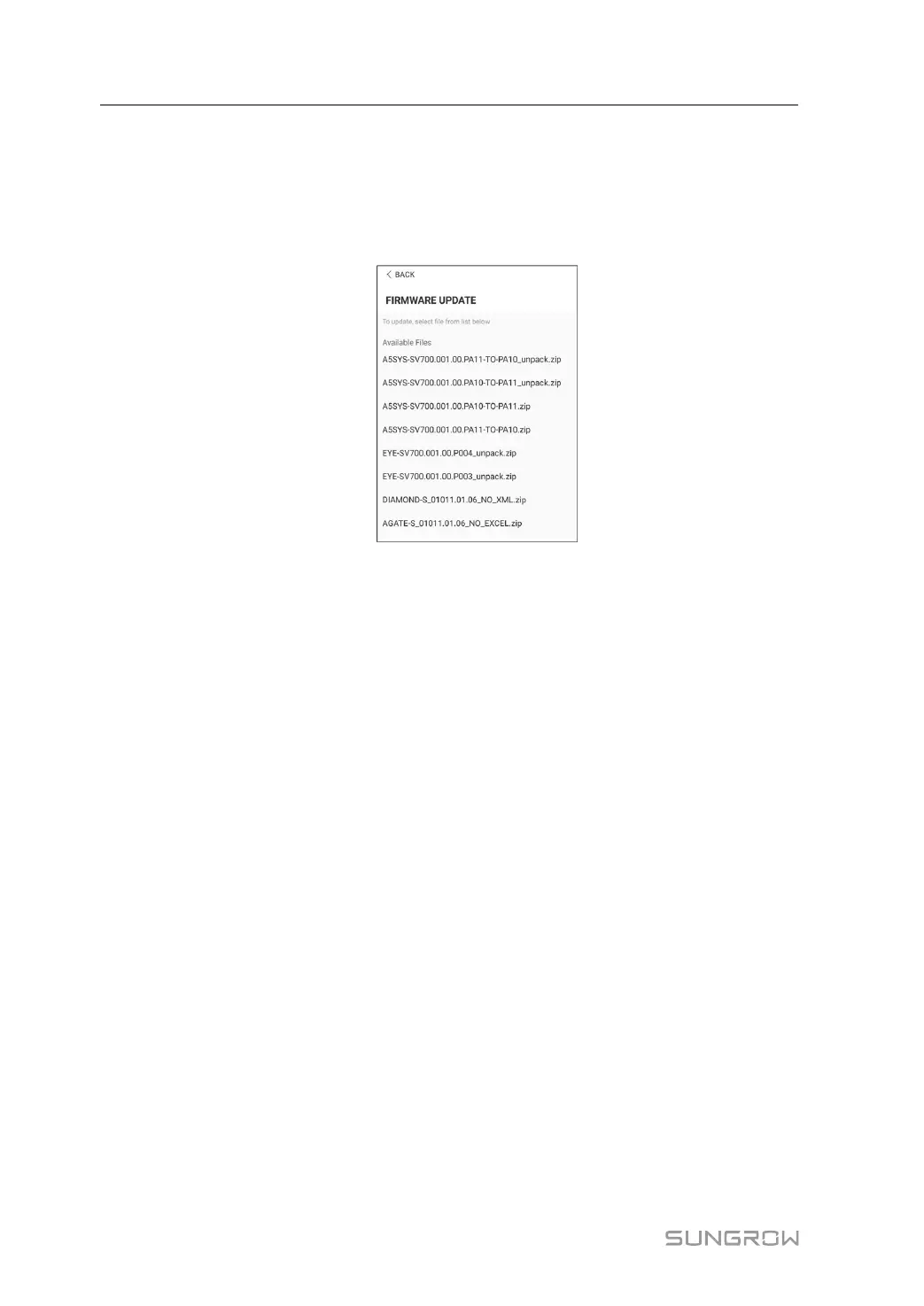
Tap FFiirrmmwwaarree uuppggrraaddee to enter the corresponding screen, as shown in the following
figure.
FFiigguurree 77--1199 Firmware Upgrade
Select the desired upgrade package to upgrade the firmware.
7 iSolarCloud App User Manual



 To Next Page