User Manual 6 Electrical Connection
39
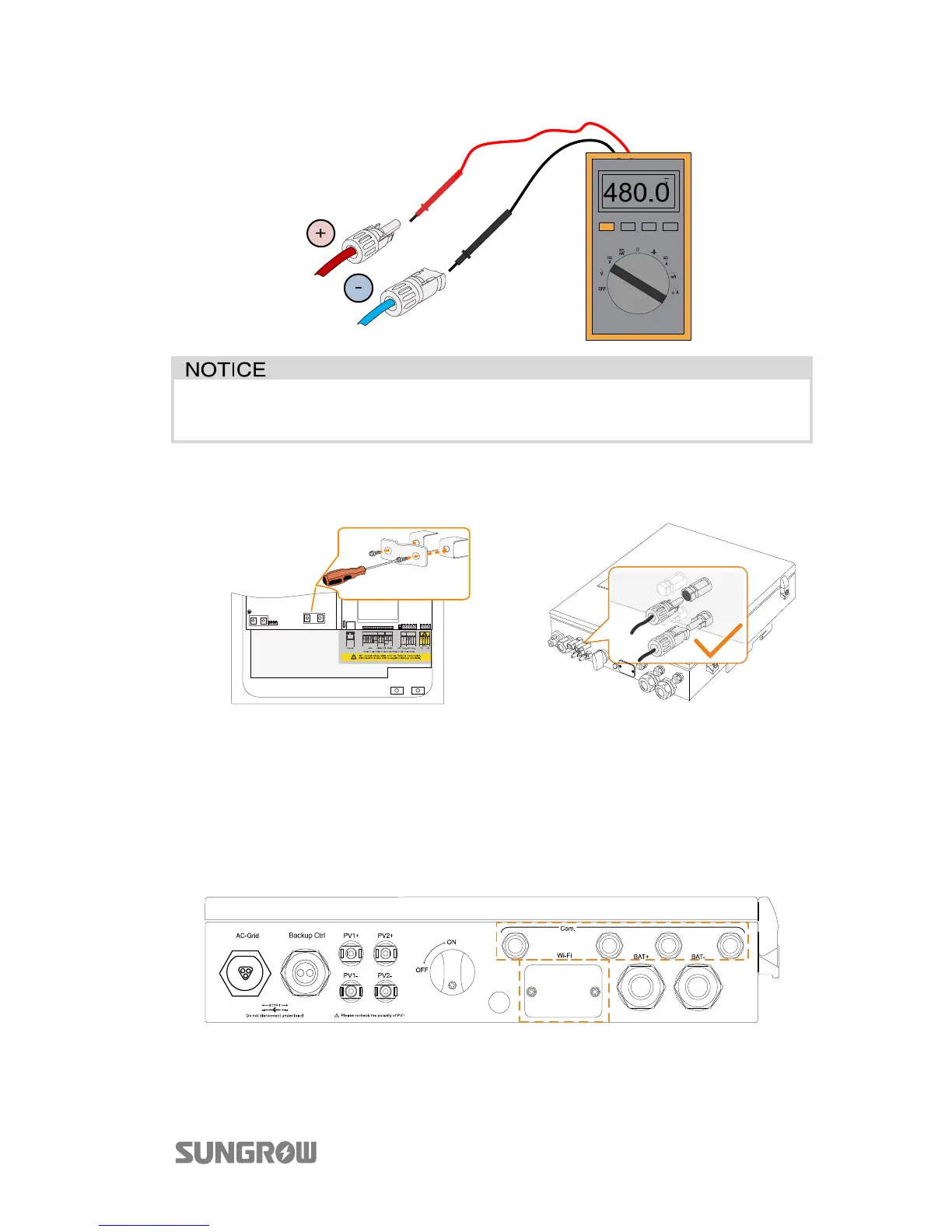
The inverter will not function properly if the DC polarities are reversed.
Check the positive and negative polarity of the PV cells.
3. (Optional) Install the copper for
the parallel mode.
4. Plug the connectors into
corresponding terminals.
5. Seal unused DC terminals with the terminal caps.
6.5 Communication Connection
There are four ports and a Wi-Fi terminal on the bottom of the inverter, as shown in
the following figure.
Fig. 6-3 Communication Ports and Terminal



 To Next Page