90
11 Appendix II: Visiting and
Configuring the Webserver
11.1 User and Authority
The Webserver provides user permission and installer permission:
The user permission (by default): the username is user and the password is 1111.
Installer permission: Select the username installer through the drop-down list. The
password is 2222.
Abnormality may be caused if users make parameter modification with
installer permission. This action will void any warranty rights.
Only one person can login to the Webserver at a time. Log out in time if you finish
the visit. Wait until 4s later to log in again.
Follow the steps to login.
1. Query the inverter IP address according to the instructions in “10.7.8 Setting
the Communication Parameters”.
2. Open the browser. Input the inverter’s IP address and press “Enter”.
3. Select the username and input the corresponding password according to the
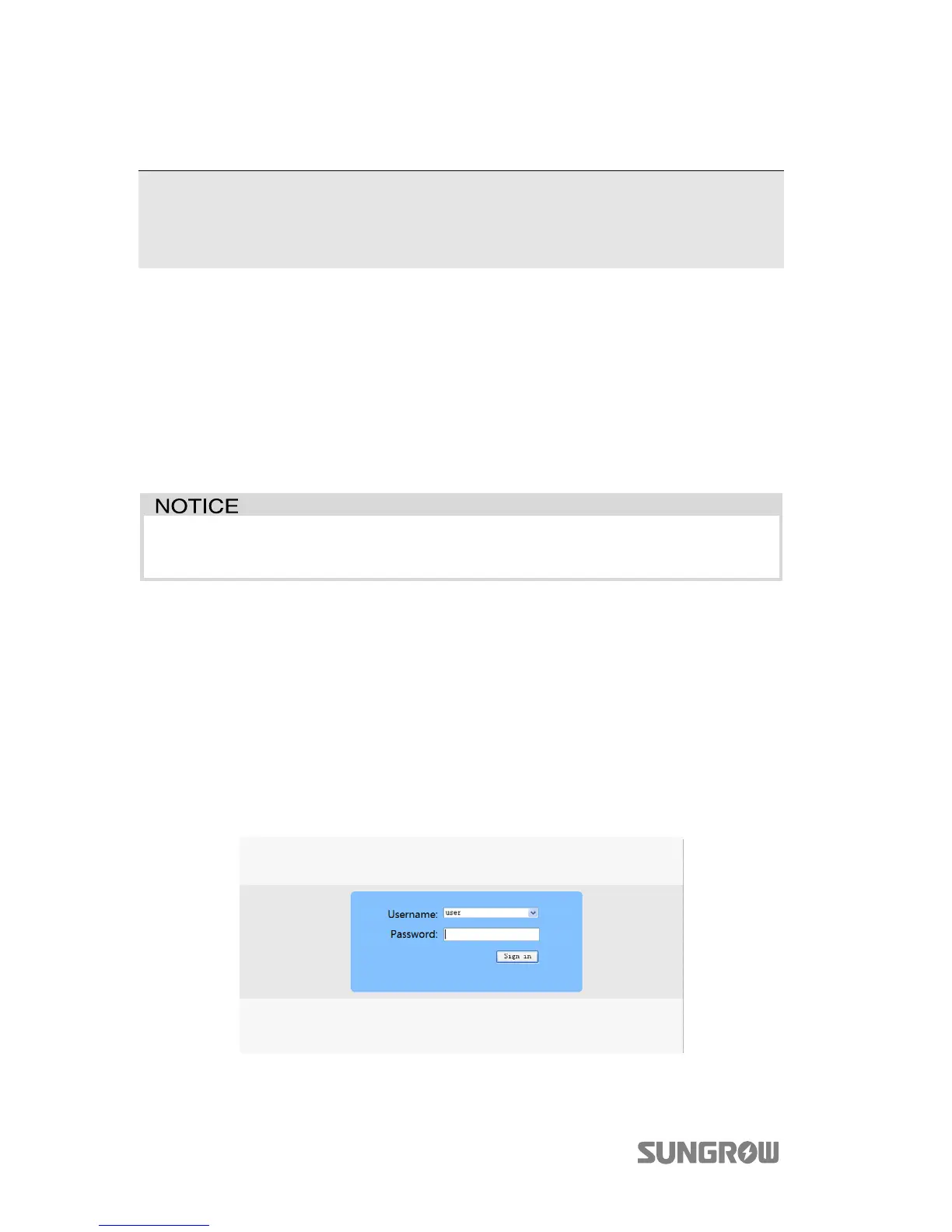
visitor's role. Press “Sign in” or “Enter” to log in. The login window is shown
below.



 To Next Page