30 A-96.250.661 / 120418
AMI Sample Sequencer
Installation
Sample
Connection
Examples see
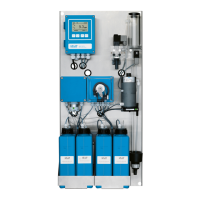
Connecting example with AMI Silica, p. 26
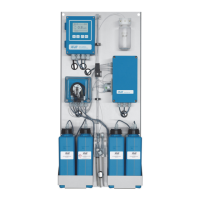
Connecting example with AMI Silitrace, p. 27
Connecting example with AMI Phosphate HL, p. 28
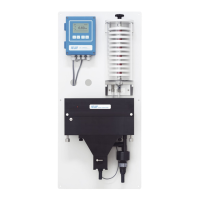
Connecting example with AMI Sodium A / P, p. 29
To connect the AMI Sample Sequencer to an AMI analyzer proceed
as follows:
1 Connect the 1/2” tubes to the hose nozzles [B] and put them
into an atmospheric drain.
2 Connect the sample streams 1 to 6 to the sample inlets 1 to 6
[A] of the AMI Sample Sequencer.
3 Replace the flow regulating valve [F] at the flow cell block of the
AMI analyzer with the blind plug [E].
4 Connect the connecting tube [D] from the sample outlet of the
AMI Sample Sequencer [C] to the sample inlet of the AMI ana-
lyzer [G].
5 Adjust sample flow, see Instrument Setup, p. 45.
6 Set the firmware according to chapter
Firmware Settings (Mode <Internal>), p. 40
or
Firmware Settings (Mode <AMI>), p. 35.


 To Next Page