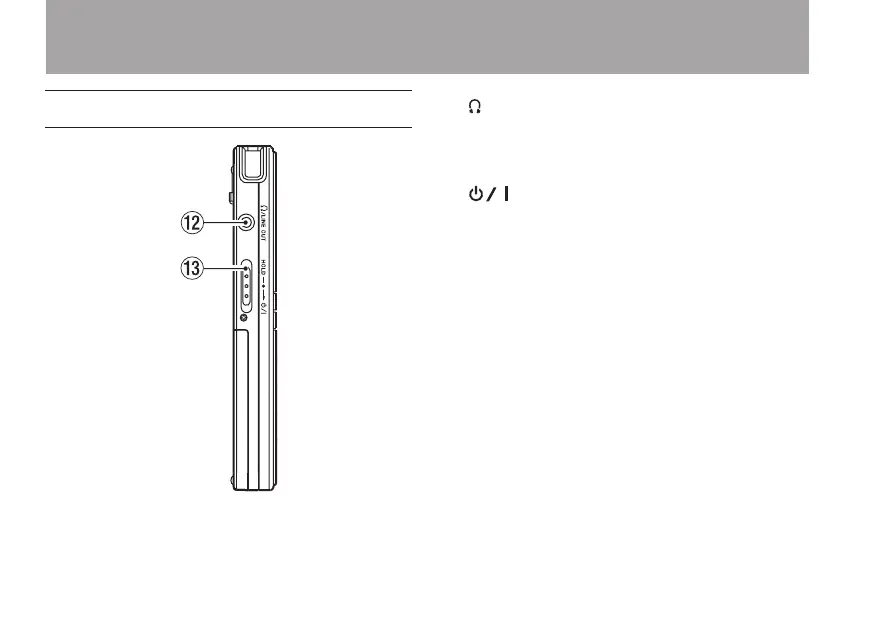
Left side panel
w /LINE OUT jack
Connect headphones or the line input jack of
an external device using a stereo mini-jack
cable.
e /HOLD switch
Turn the power ON/OFF. Set the switch to the
HOLD position to activate the hold function,
which prevents accidental operation. When
set to HOLD, none of the keys can be used.
2 – Names and functions of parts



 To Next Page