Playing a file
On the Home Screen, press the Á PL AY key
when stopped to start playback.
NOTE
Files must be in the playback area to be played. •
(See “Set the playback and repeat area” on page
68.)
You can also select a file on the FILE/FOLDER •
screen to play it.
Stopping playback
On the Home Screen, press the ª STOP key
during playback to stop playback at the current
position.
Searching backward and forward
On the Home Screen, when stopped or during
playback, press and hold the  and ¯ keys
to search backward or forward.
Jumping back a few seconds during
playback
During playback, press the Á PL AY key to jump
back a few seconds and continue playback.
Set the jump back interval using the following
procedures.
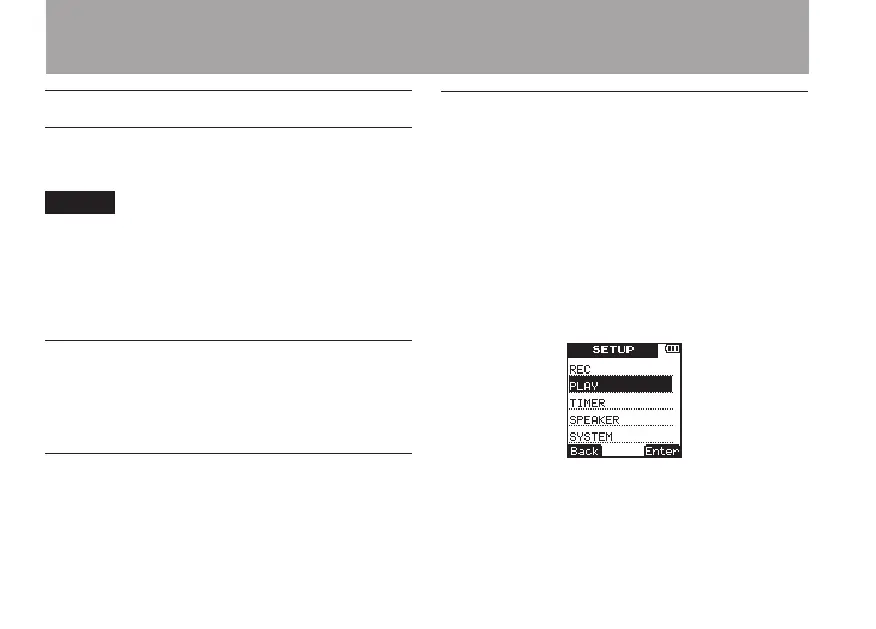
1 Press the SETUP key to open the
SETUP
menu screen.
2 Use the +/– keys to select the
PLAY
menu
item.
3 Press
¯
(
Enter
) key to open the
PLAY
menu screen.
4 Use the +/– keys to select the
JUMP
BACK
menu item.
6 – Playback



 To Next Page