Preventing accidental operation
with the hold function
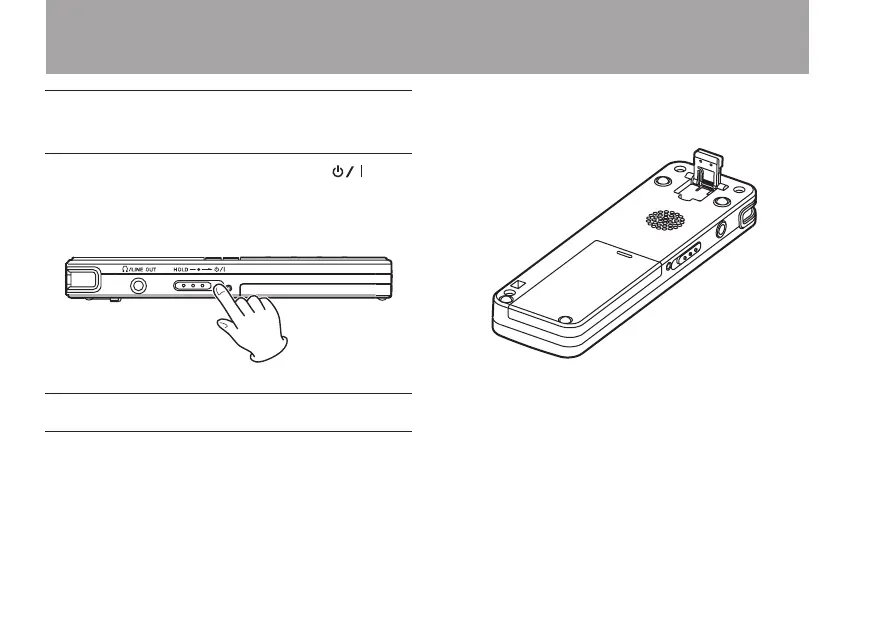
To prevent accidental operation, set the /
HOLD switch to HOLD to activate the hold
function. When hold is activated, all keys are
disabled.
Using the stand
The folding stand included on the bottom panel
of this unit can be used to raise the top of the unit
slightly when placed on a at surface.
By using this stand when the unit is placed on a
table or similar surface, the amount of contact with
that surface is reduced, decreasing vibration noise
and allowing clearer recording.
3 – Preparations



 To Next Page