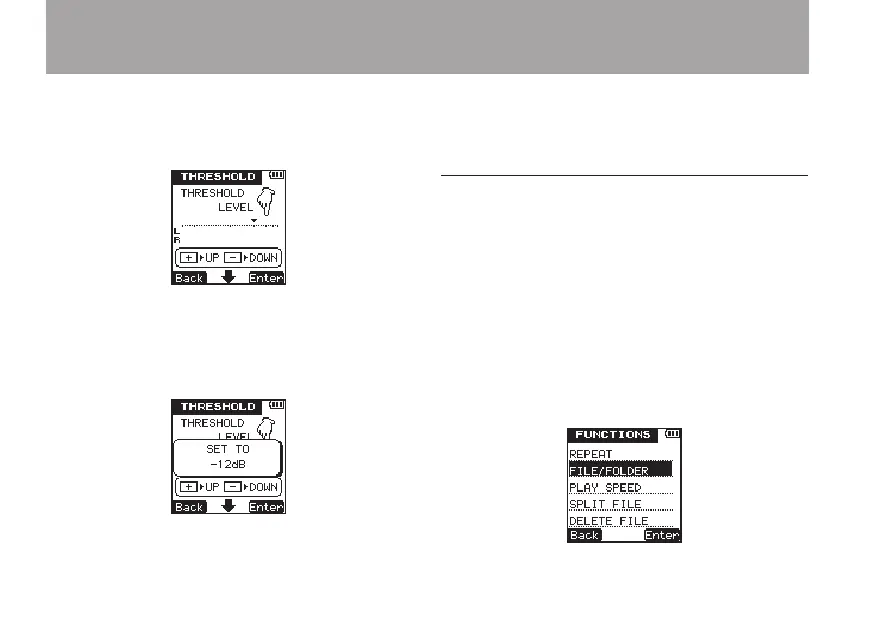
appears above the level meter on the screen.
Use the +/– keys to set the value to -6dB,
-12dB, -24dB or -36dB.
14 Press the
¯
(
Enter
) key to confirm the
setting and show a pop-up with the setting
briefly, and then return to the
THRESHOLD
setting screen.
15 When you have finished making the settings,
press the HOME key to return to the Home
Screen.
Set the folder where recorded files are
saved
Set the folder where the le being recorded is to
be saved before beginning recording.
If no particular setting is made, the le will be
saved in the
SOUND
folder.
1 Press the FUNCTION key to open the
FUNC-
TIONS
menu screen.
2 Use the +/– keys to select the
FILE/FOLDER
menu item.
4 – Recording



 To Next Page