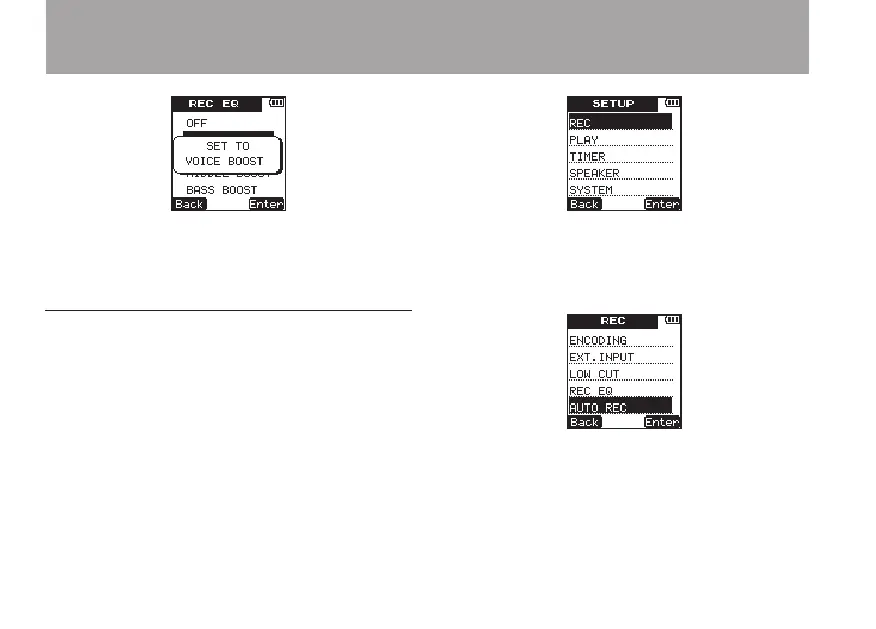
8 When you have finished making the setting,
press the HOME key to return to the Home
Screen.
Automatically starting and pausing
recording
This unit can be set to automatically start and
pause recording according to input sound levels.
1 Press the SETUP key to open the
SETUP
menu screen.
2 Use the +/– keys to select the
REC
menu item.
3 Press the
¯
(
Enter
) key to open the
REC
menu screen.
4 Use the +/– keys to select the
AUTO
REC
item.
5 Press the
¯
(
Enter
) key to open the
AUTO
REC
menu screen.
6 Use the +/– keys to select the
ON/OFF
item.
4 – Recording



 To Next Page