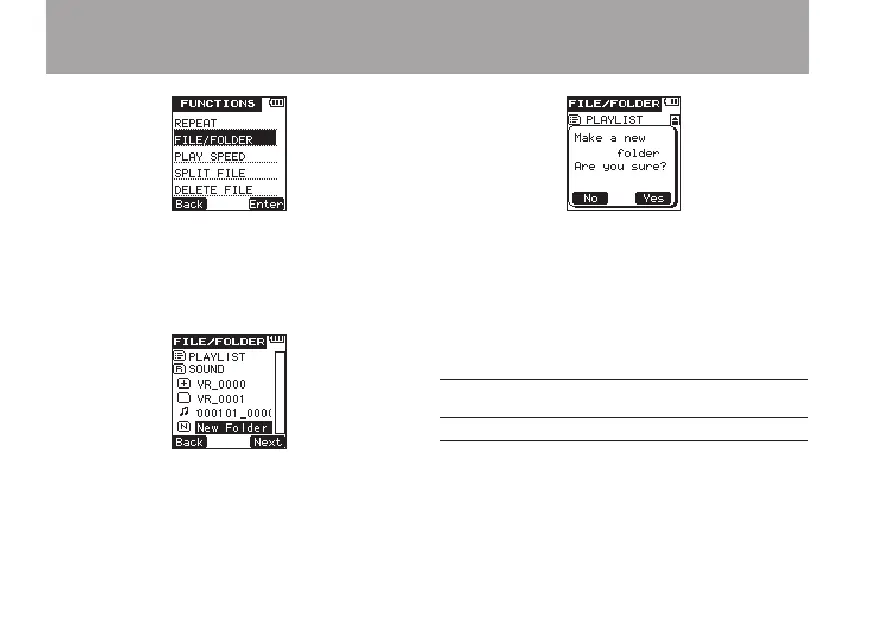
3 Press the
¯
(
Enter
) key to open the
FILE/FOLDER
screen.
4 Use the +/– keys to select the
New Folder
menu item.
5 Press the
¯
(
Next
) key to open the
following pop-up message.
6 Press the
¯
(
Yes
) key to create and open
a new folder. The newly created folder is set
as the folder where recorded files are saved.
7 When you are finished creating new folders,
press the HOME key to return to the Home
Screen.
Placement and connections
Recording with the built-in microphone
Point the microphone toward the sound source and
put it in a stable place where vibration is minimal.
4 – Recording



 To Next Page