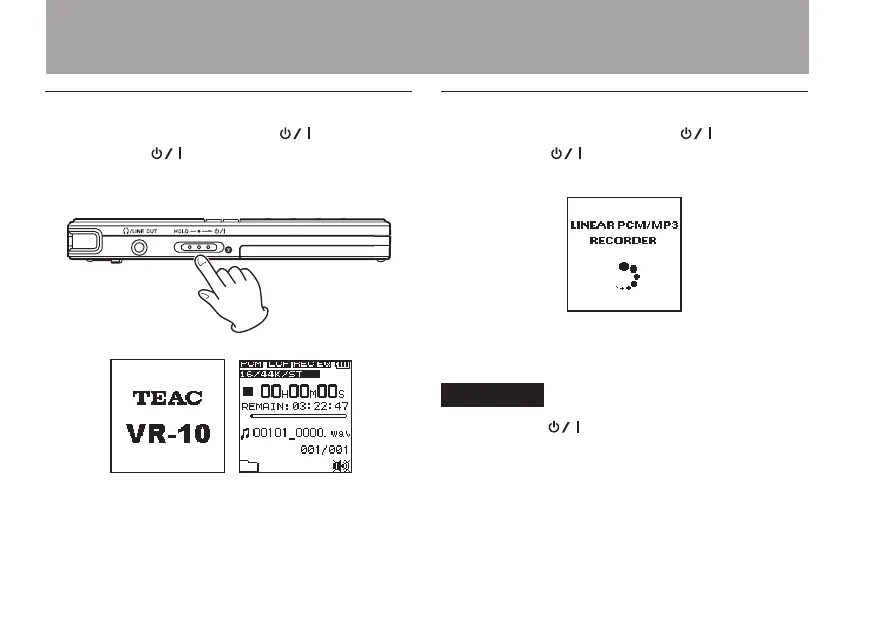
Turning the power on
When the power is off, slide the /HOLD
switch toward . When the startup screen with
TEAC
VR-10
appears, release the switch. The unit
starts up and the Home Screen opens.
Turning the power off
When the power is ON, slide the /HOLD
switch toward . When the following shutdown
screen appears, release the switch.
After the unit completes shutting down, the unit’s
power is set to off.
CAUTION
Always use the /HOLD switch to put the unit
power off. All recording data and settings, for
example, are lost and cannot be recovered if the
power supply is suddenly interrupted. When the
power is ON, do not remove the batteries, or discon-
nect the USB cable when using USB bus power.
3 – Preparations



 To Next Page