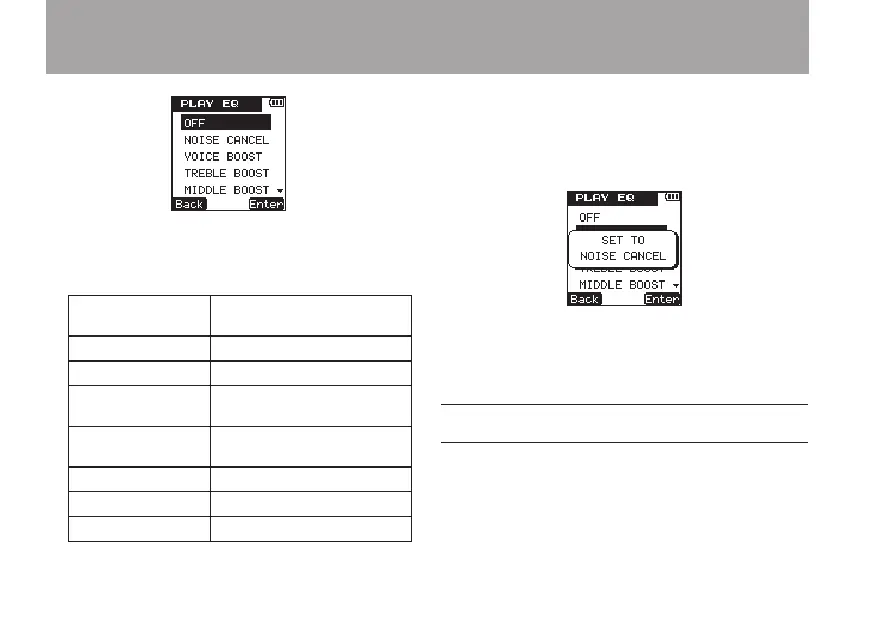
6 Use the +/– keys to select from the following
filter functions according to the playback
conditions. (The default value is
OFF
.)
OFF EQ function OFF (default
value)
NOISE CANCEL Reduces noise.
VOICE BOOST Voice enhancement
TREBLE BOOST Emphasizes high
frequencies
MIDDLE BOOST Emphasizes middle
frequencies
BASS BOOST Emphasizes low frequencies
LOW CUT Reduces low frequencies.
HIGH CUT Reduces high frequencies.
7 Press the
¯
(
Enter
) key to confirm the
setting and show a pop-up with the setting
briefly, and then return to the
PLAY
EQ
setting screen.
8 When you have finished making the setting,
press the HOME key to return to the Home
Screen.
Changing the playback speed
Using this unit’s playback speed control function,
you can adjust the playback speed without
changing the pitch in a range from half speed to
double speed.
6 – Playback



 To Next Page