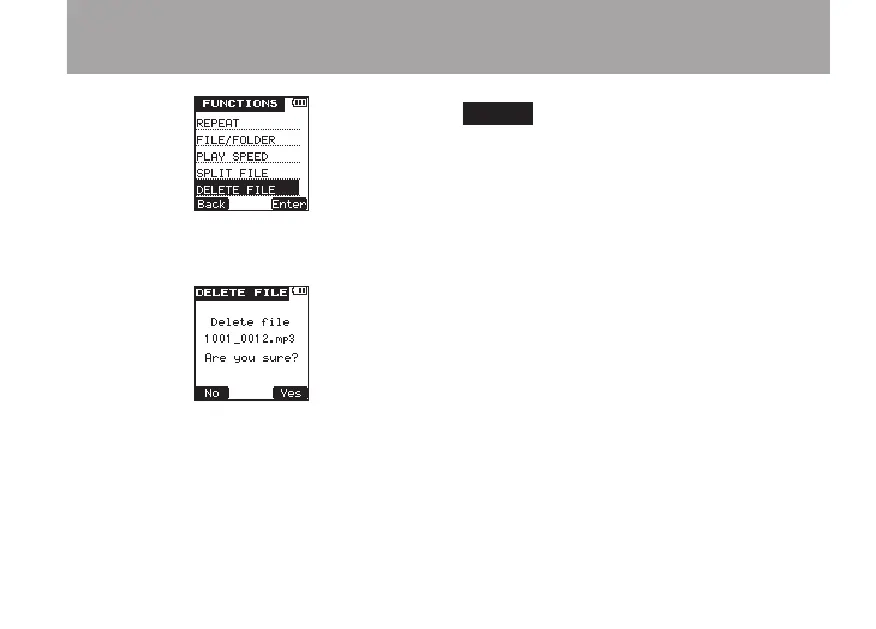
4 Press the
¯
(
Enter
) key to open the
DE-
LETE
FILE
screen.
5 Press the
¯
(
Yes
) key to erase the file and
return to the Home Screen. Press the Â
(
No
) key to cancel erasing the file and return
to the
FUNCTIONS
menu screen.
NOTE
This unit cannot erase a file that is write-protected.
To erase such a file, connect the unit to a computer
and change this property from the computer.
5 – File and folder operations (FILE/FOLDER screen)



 To Next Page